146
t
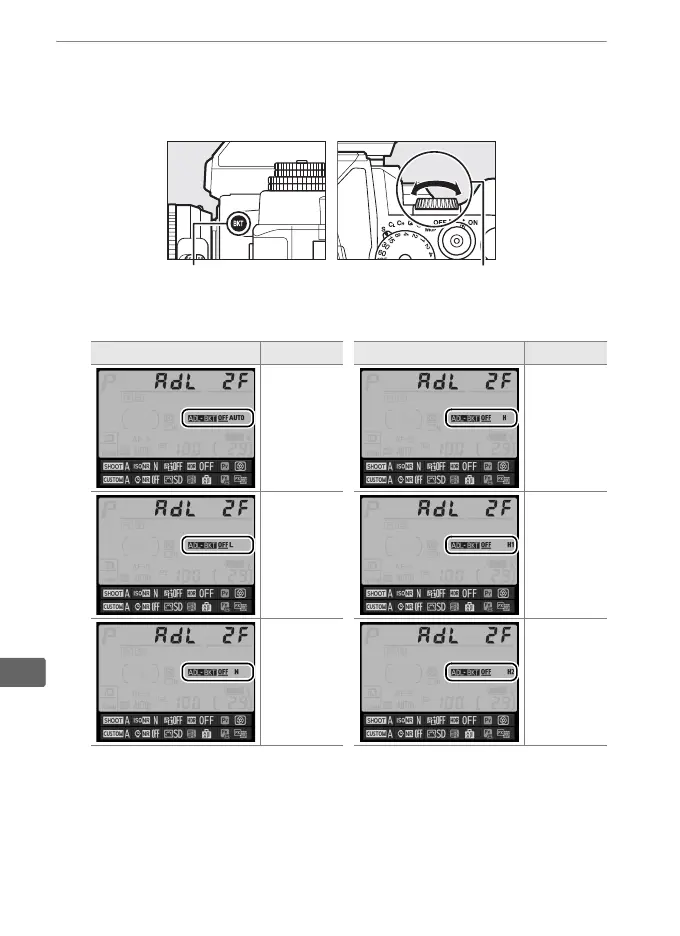
3 Select Active D-Lighting.
Pressing the D button, rotate the sub-command dial to
choose Active D-Lighting.
Active D-Lighting is shown in the information display.
Information display ADL Information display ADL
Y
Auto
P
High
R
Low
c
Extra high 1
Q
Normal
d
Extra high 2
D button Sub-command dial



 To Next Page