174
x
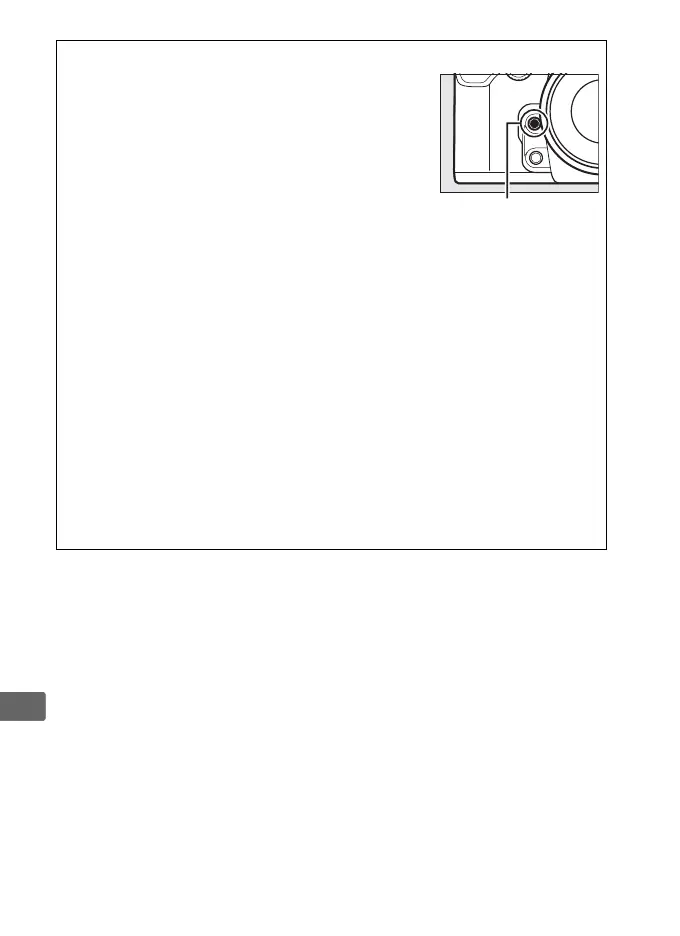
A Exposure Preview (Exposure Mode M Only)
In exposure mode M, pressing the Pv button lets
you preview how the current shutter speed,
aperture, and ISO sensitivity settings affect
exposure.
D Ending Live View
Live view ends automatically if the lens is removed.
Live view may also
end automatically to prevent damage to the camera’s internal circuits;
exit live view when the camera is not in use.
Note that the temperature
of the camera’s internal circuits may rise and noise (bright spots,
randomly-spaced bright pixels, or fog) may be displayed in the
following instances (the camera may also become noticeably warm, but
this does not indicate a malfunction):
• The ambient temperature is high
• Live view has been used for extended periods
• The camera has been used in continuous release mode for extended
periods
If live view does not start when you press the a button, wait for the
internal circuits to cool and then try again.
Pv button



 To Next Page