202
I
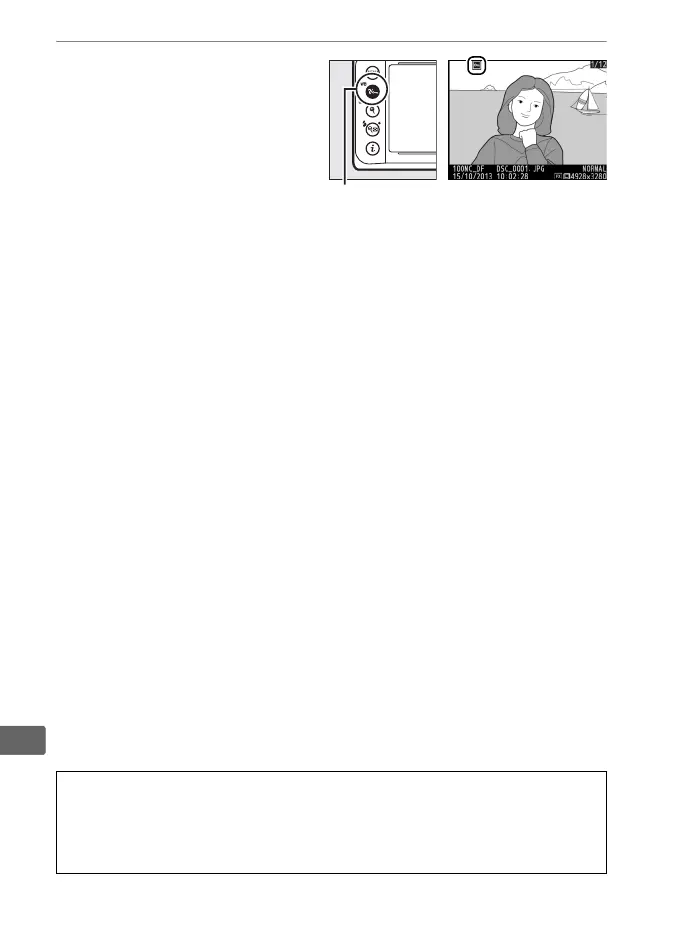
2 Press the L (U)
button.
The photograph will be
marked with a P icon.
To
remove protection from
the photograph so that it
can be deleted, display the
photograph or highlight it in the thumbnail list and then press
the L (U) button.
A Removing Protection from All Images
To remove protection from all images in the folder or folders currently
selected in the Playback folder menu, press the L (U) and O
buttons together for about two seconds during playback.
L (U) button



 To Next Page