204
I
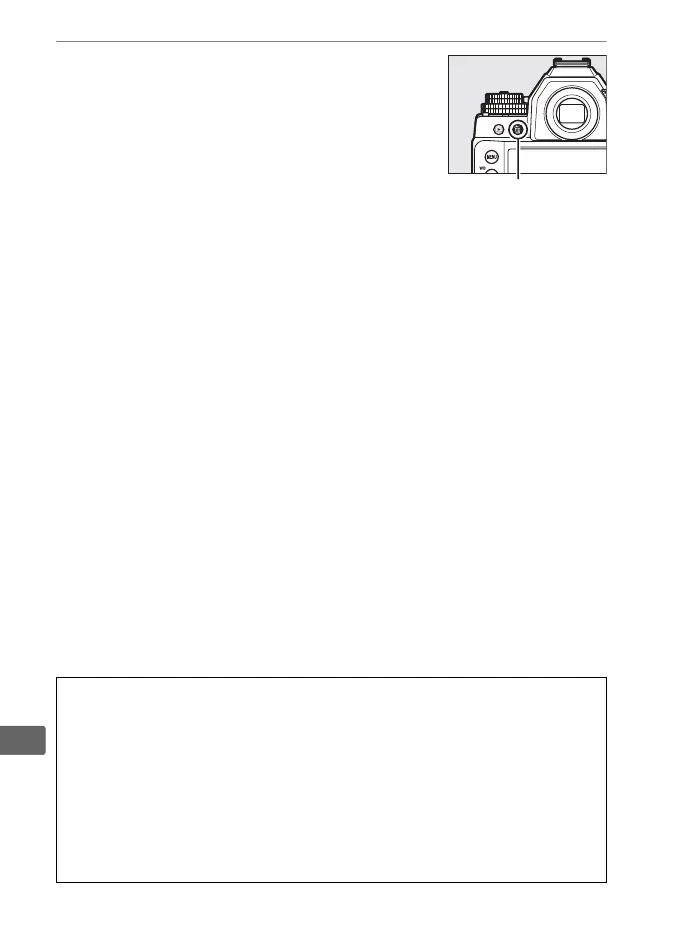
3 Press the O button again.
To delete the photograph, press the O
button.
To exit without deleting the
photograph, press the K button.
A Calendar Playback
During calendar playback, you can delete all photographs taken on a
selected date by highlighting the date in the date list and pressing the O
button (0 197).
A See Also
The After delete option in the playback menu determines whether the
next image or the previous image is displayed after an image is deleted
(0 233).
O button



 To Next Page