73
S
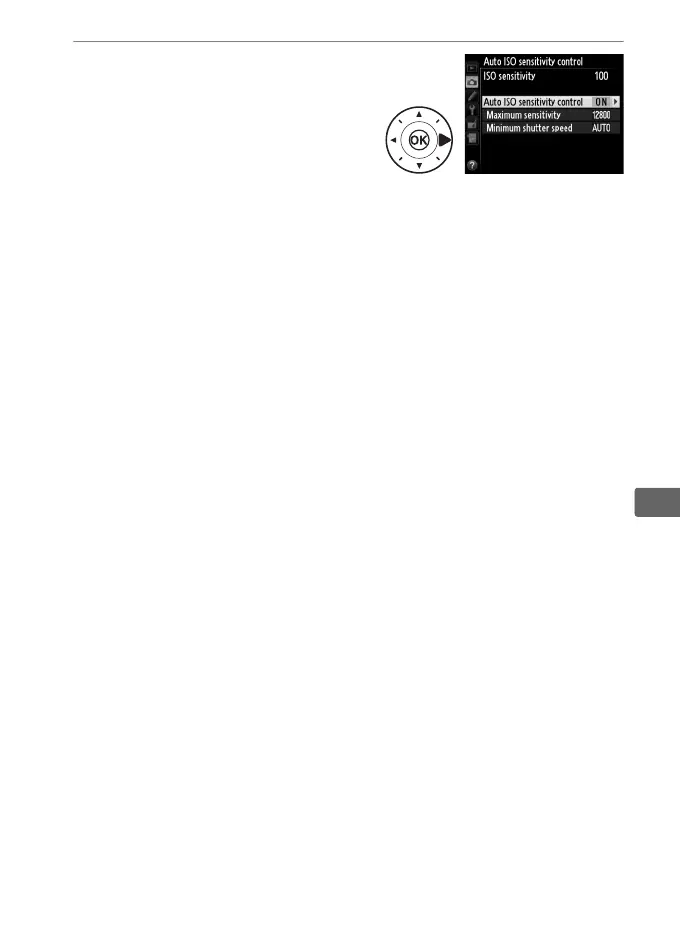
3 Adjust settings.
The maximum value for auto
ISO sensitivity can be selected
using Maximum sensitivity
(the minimum value for auto
ISO sensitivity is automatically
set to ISO 100; note that if the ISO sensitivity selected by the
user is higher than that chosen for Maximum sensitivity, the
value selected by the user will be used instead).
In exposure
modes P and A, sensitivity will only be adjusted if
underexposure would result at the shutter speed selected for
Minimum shutter speed (
1
/2000–1 s, or Auto; in exposure
modes S and M, ISO sensitivity will be adjusted for optimal
exposure at the shutter speed selected by the user).
If Auto is
selected, the camera will choose the minimum shutter speed
based on the focal length of the lens. Press J to exit when
settings are complete.



 To Next Page