31
6
6
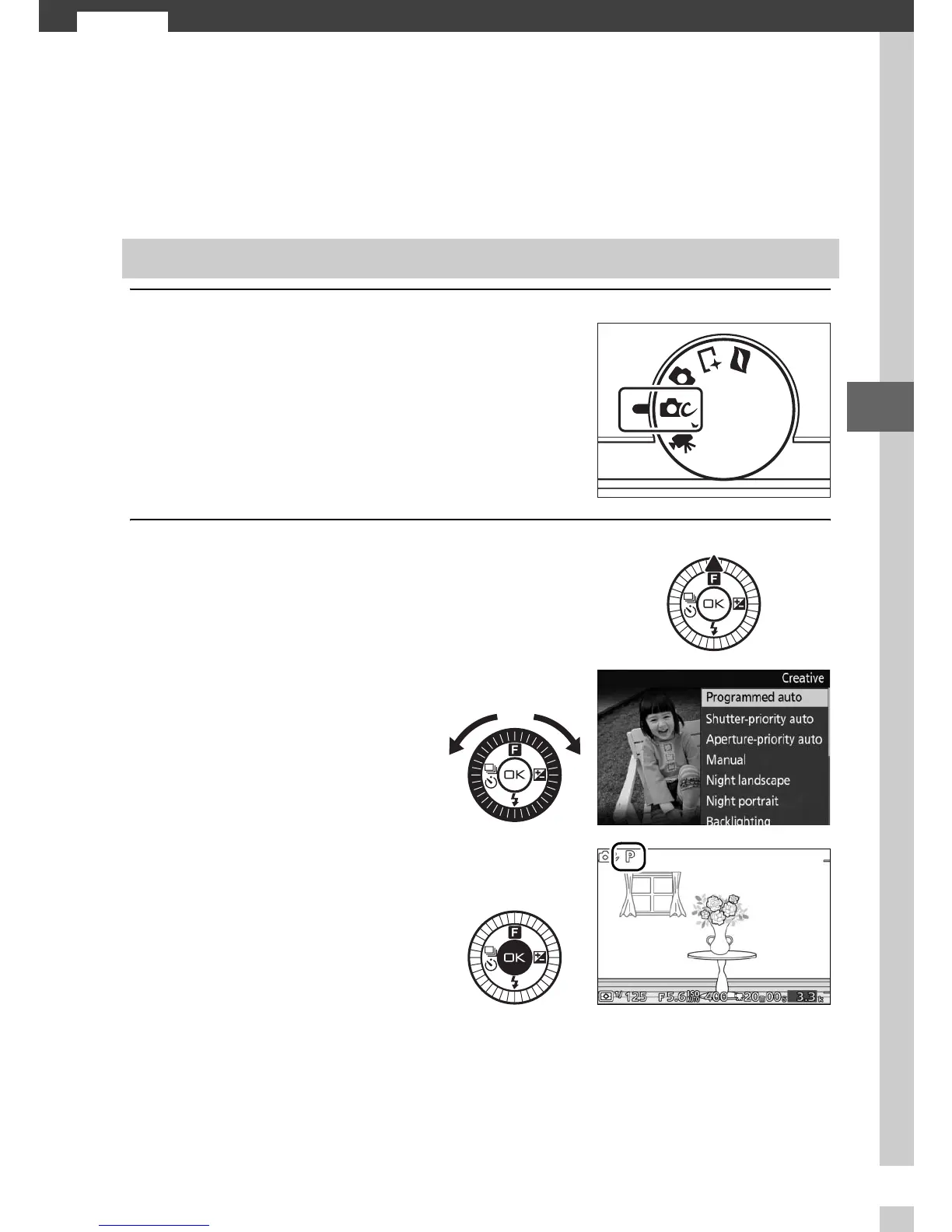
Creative Mode
Choose creative mode when to take photos using special effects,
match settings to the scene, or control shutter speed and aper-
ture.
1
Select creative mode.
2
Choose a scene.
Choosing a Creative Mode
Rotate the mode dial to w.
Press 1 (&) and highlight a scene
using the multi selector (0 32).
Press J to select the
highlighted scene. Your
selection is indicated by
an icon in the display.



 To Next Page