168
n
Approved Eye-Fi Cards
When inserted in the camera, Eye-Fi cards can be used to upload
photographs to a preselected destination. As of October 2012,
the camera supports 8 GB Pro X2 SDHC cards. Eye-Fi cards are for
use only in the country of purchase in accordance with local reg-
ulations. Eye-Fi cards may not be available in some countries or
regions; consult the manufacturer for more information. Be sure
the Eye-Fi card firmware has been updated to the latest version.
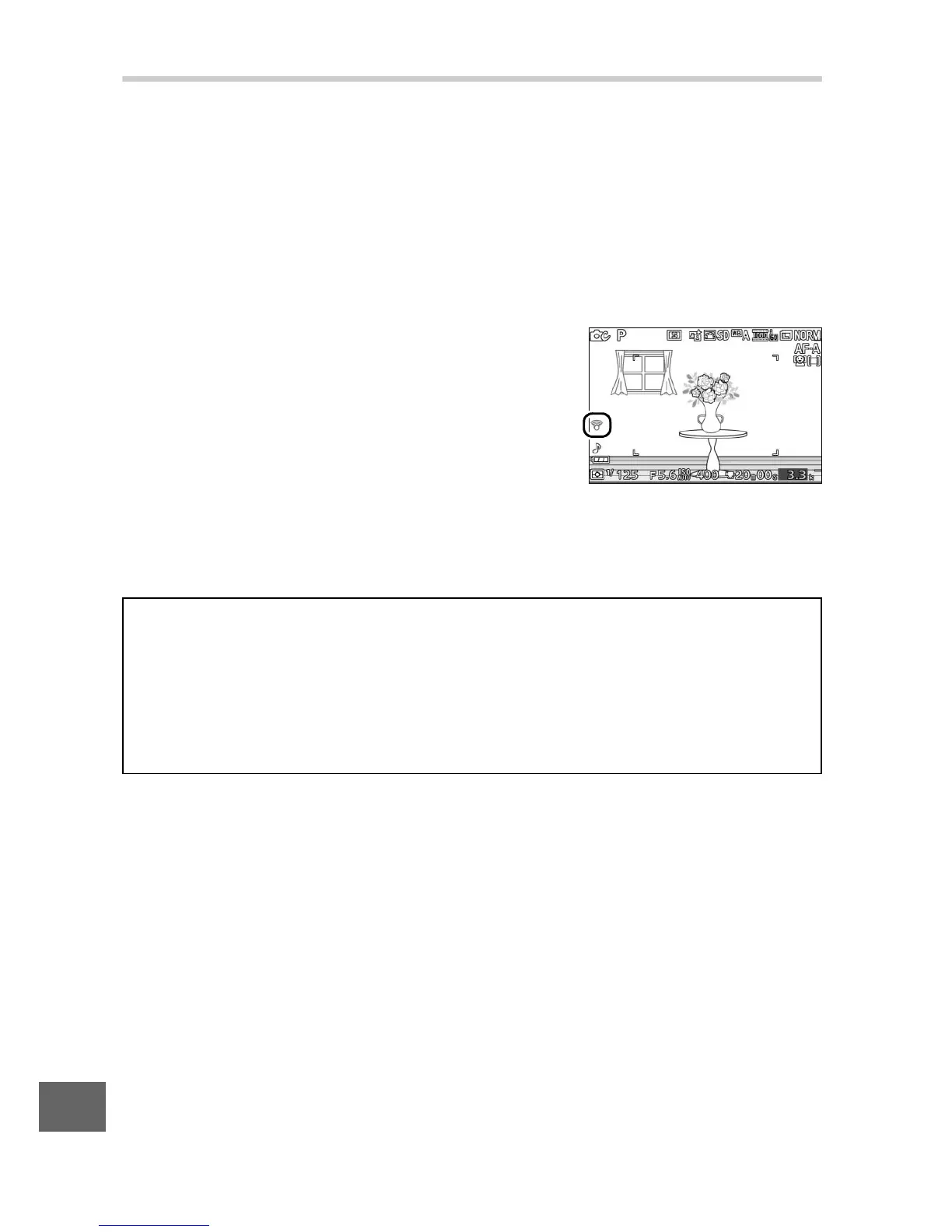
Card status is indicated by an icon in the
display:
• f (static): Eye-Fi upload enabled; wait-
ing to begin upload.
• f (animated): Eye-Fi upload enabled;
uploading data.
• e: Eye-Fi upload enabled but no pictures available for upload.
• g: Error.
D
Eye-Fi Cards
Note that pictures will not be uploaded if signal strength is insufficient,
and that Eye-Fi upload is disabled during movie recording. In locations
in which wireless devices are prohibited, turn the camera off and
remove the card. See the manual provided with the Eye-Fi card, and
direct any inquiries to the manufacturer.



 To Next Page