56
9
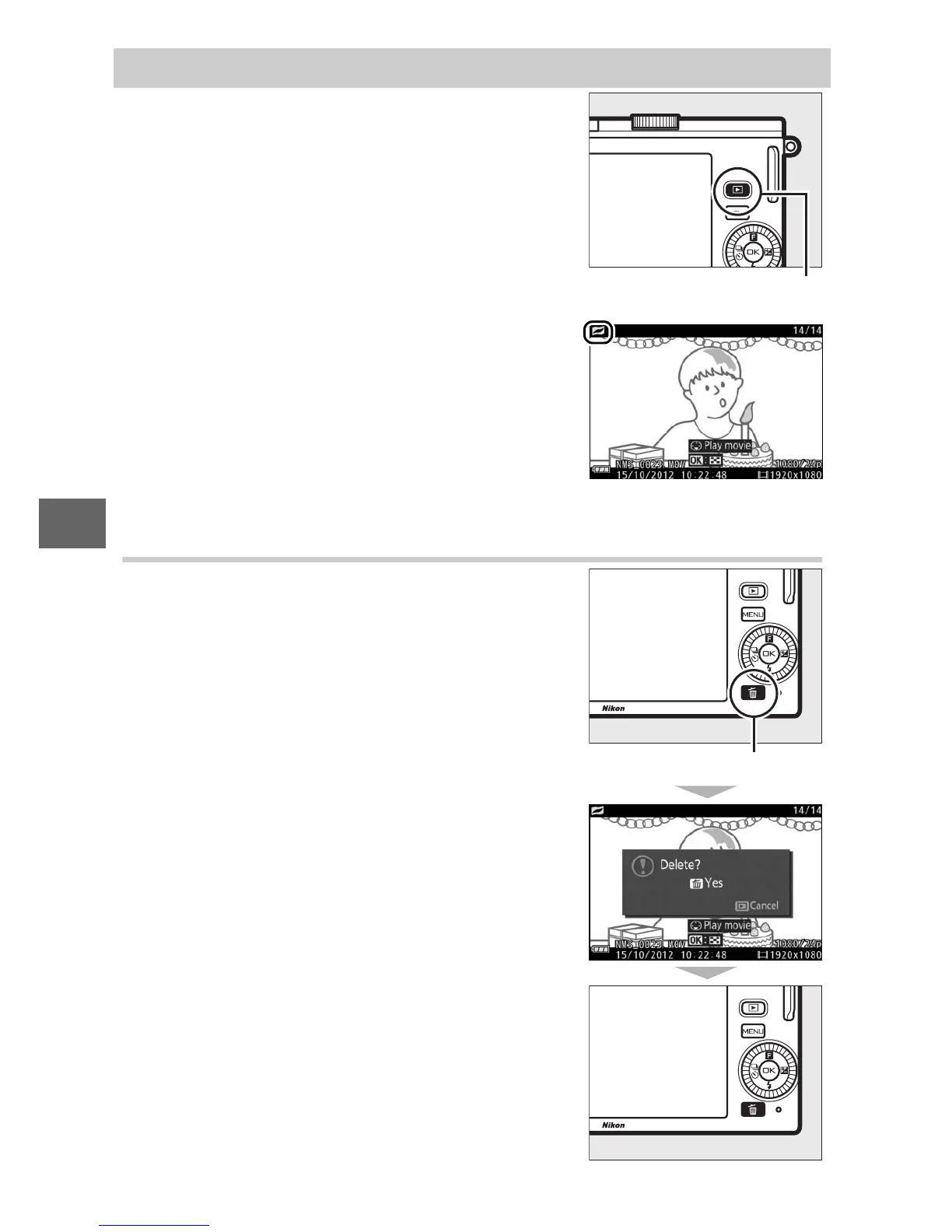
Deleting Motion Snapshots
To delete the current Motion Snapshot,
press O. A confirmation dialog will be dis-
played; press O again to delete the photo
and movie and return to playback, or
press K to exit without deleting the file.
Note that once deleted, Motion Snapshots
can not be recovered.
Viewing Motion Snapshots
Press K and use the multi selector to dis-
play a Motion Snapshot (0 27; Motion
Snapshots are indicated by a z icon).
Pressing 3 when a Motion Snapshot is
displayed plays back the movie portion in
slow motion over a period of about 4 s,
followed by the photo; the background
track plays for about 10 s (to choose a
new background track, use the Change
theme option in the playback menu;
0 115). To end playback and return to
shooting mode, press the shutter-release
button halfway.
K button
O button



 To Next Page