55
9
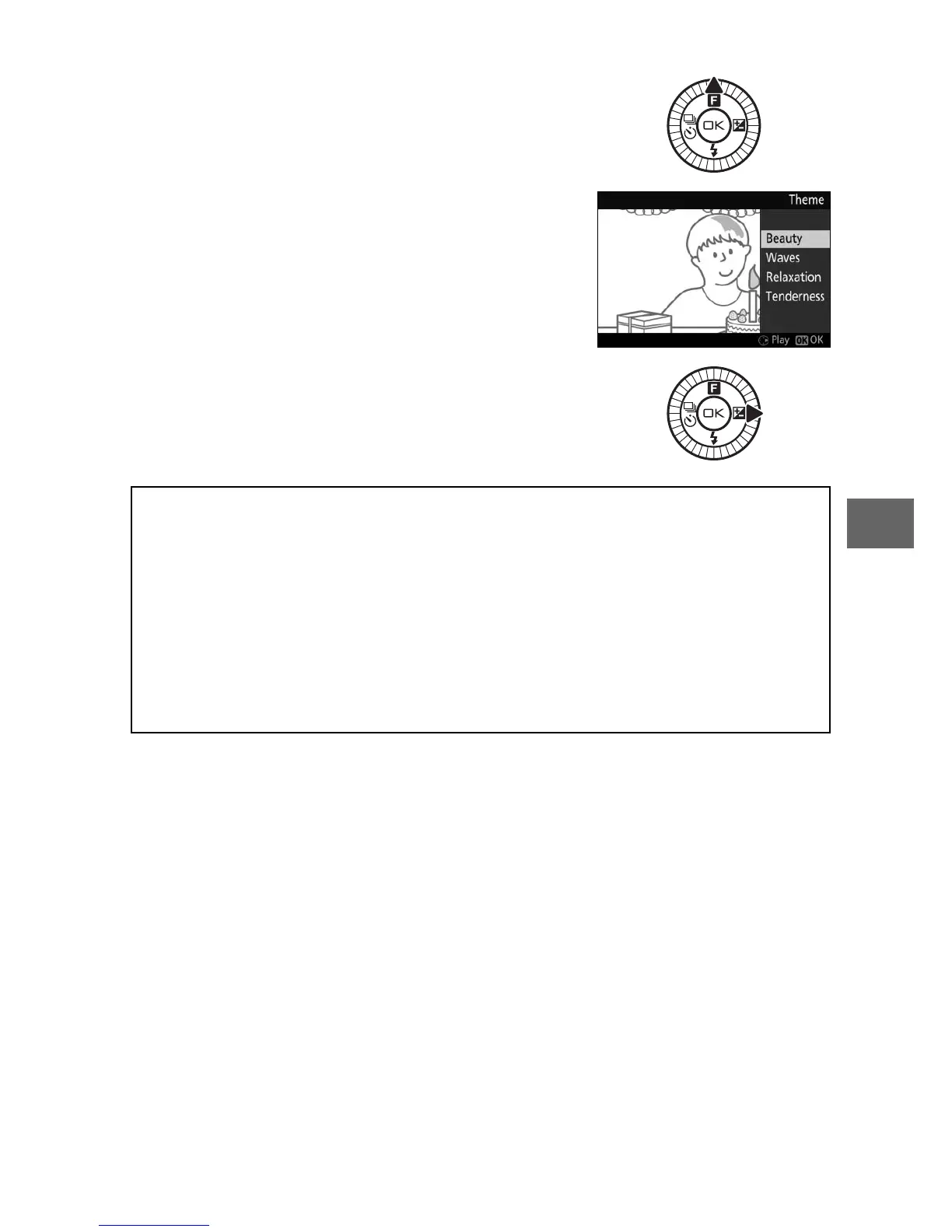
❚❚ Choosing a Theme
To choose the background music for the
movie, press 1 (&) and use the multi
selector and J button to select from
Beauty, Waves, Relaxation, and Tender-
ness.
To play the background music for the
highlighted theme, press 2 and rotate
the multi selector to adjust volume.
A
Motion Snapshot Mode
Live audio is not recorded. Movies can not be recorded using the
movie-record button and the flash can not be used.
A
See Also
See page 123 for information on choosing what portions of the buffer
are included in the movie footage. For information on saving Motion
Snapshots in a format that can be viewed in most movie playback soft-
ware, see page 124.



 To Next Page