114
o
If On is selected, 4 and 2 can be used during playback zoom to
select faces detected with face priority. If Off is selected, 4 and
2 can be used with 1 and 3 to scroll the display.
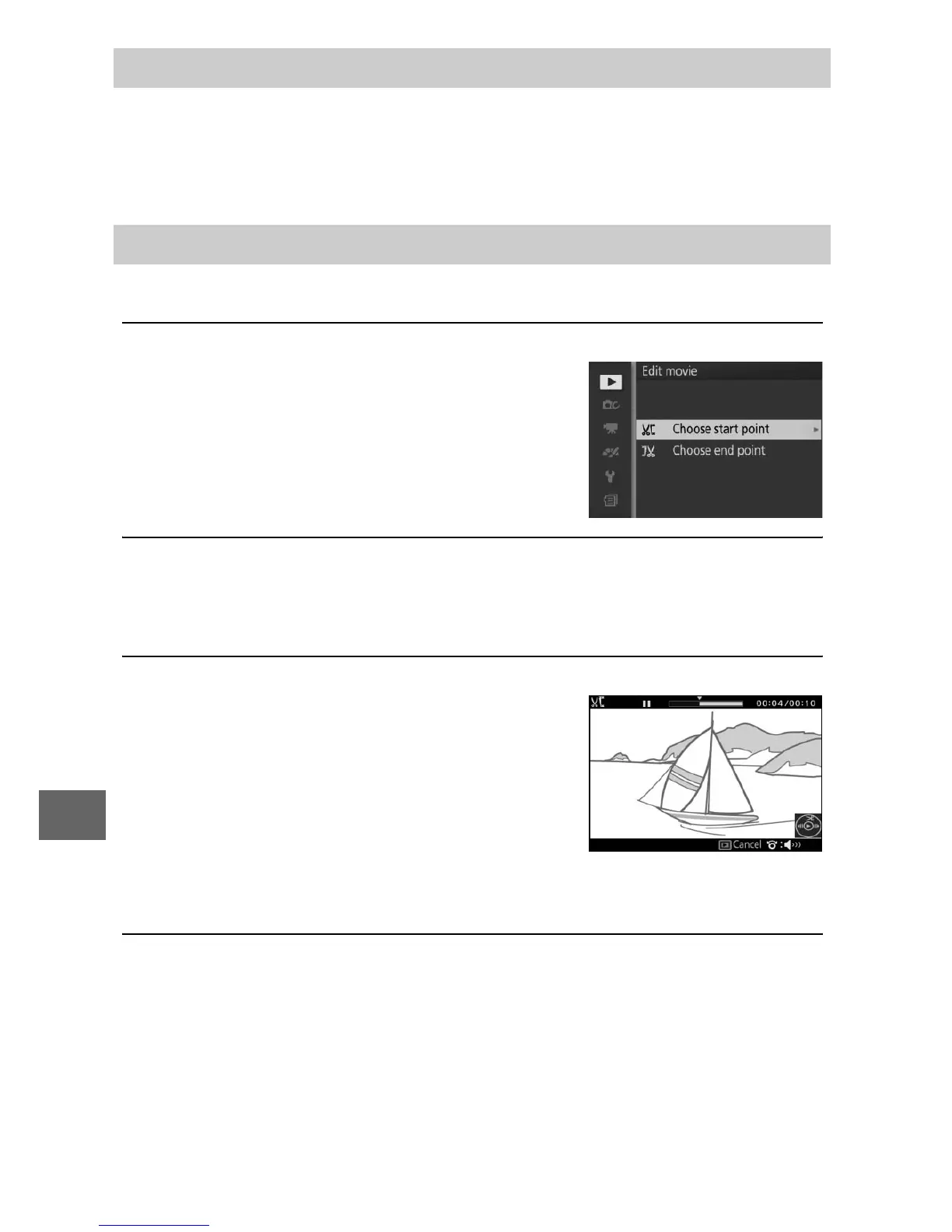
Trim footage from movies to create edited copies.
1
Select Choose start point or Choose end point.
Choose from the following options:
• Choose start point: Trim the opening
footage.
• Choose end point: Trim the closing foot-
age.
2
Select a movie.
Press 4 or 2 to highlight a movie (0 109) and press J to
select.
3
Pause the movie on opening or closing frame.
Play the movie back, pressing J to
begin and resume playback and 3 to
pause (0 65; the first frame is indi-
cated by a h icon in the display, the
last frame by i). Pause playback
when you reach the frame that will
become the new opening or closing frame.
4
Delete the unwanted frames.
Press 1 to delete all frames before (Choose start point) or
after (Choose end point) the current frame.
Face-Priority Zoom
Edit Movie



 To Next Page