Live
Image
Control
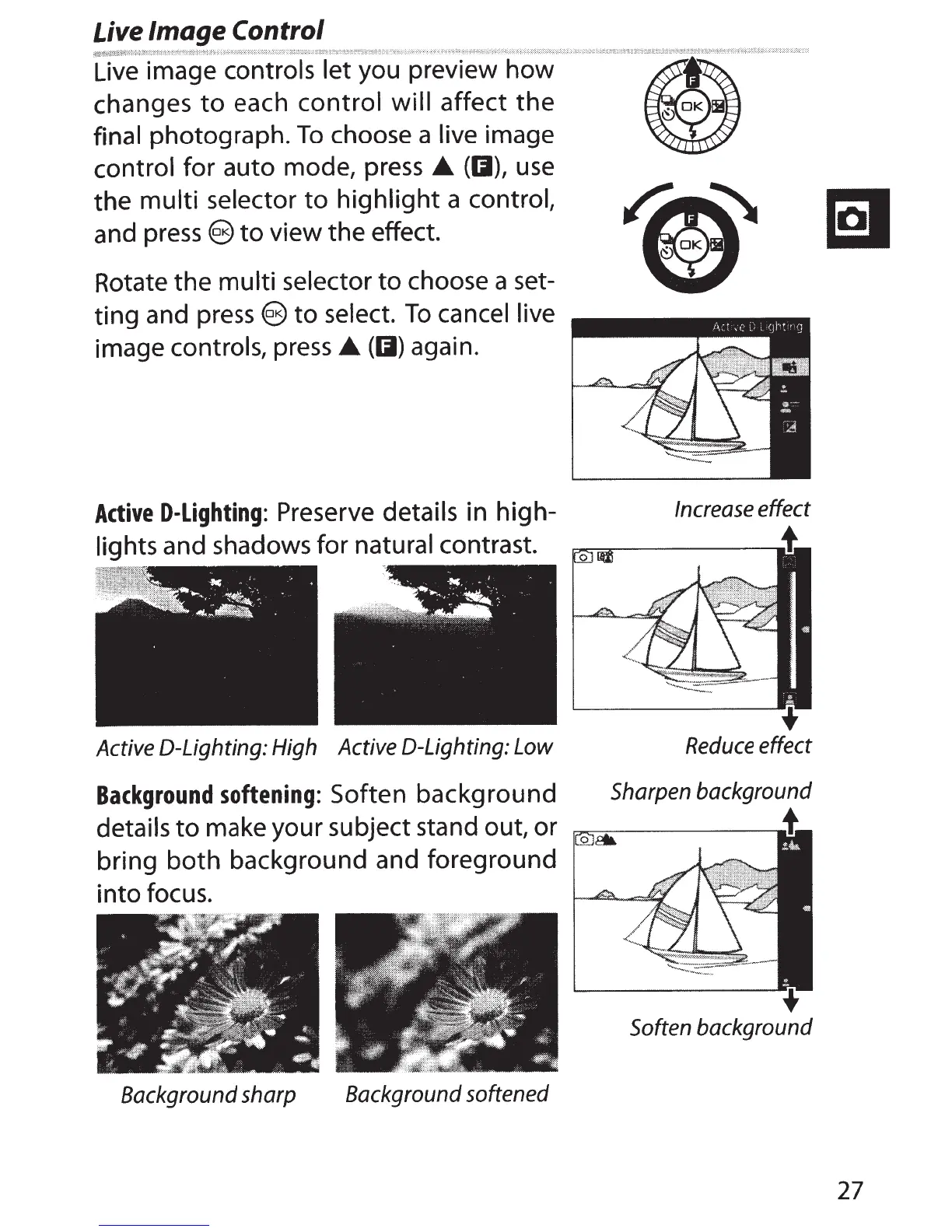
Live image controls let you preview how
changes
to
each control will affect
the
final
photograph.
To
choose a
live
image
control
for auto mode, press •
(01),
use
the multi selector
to
highlight
a
control,
and
press
@
to
view the effect.
Rotate the multi selector
to
choose a
set-
ting and
press
@
to
select.
To
cancel live
image
controls,
press
•
(01)
again.
Active
D-Lighting:
Preserve details
in high-
lights and shadows for
natural
contrast.
Active
0-Lighting:
High Active 0-Lighting: Low
Background
softening:
Soften background
Increase effect
Reduce effect
Sharpen background
details
to
make your subject stand out, or
~:;;:--------•
bring both background and foreground
into focus.
Soften background
Background sharp Background softened
27



 To Next Page