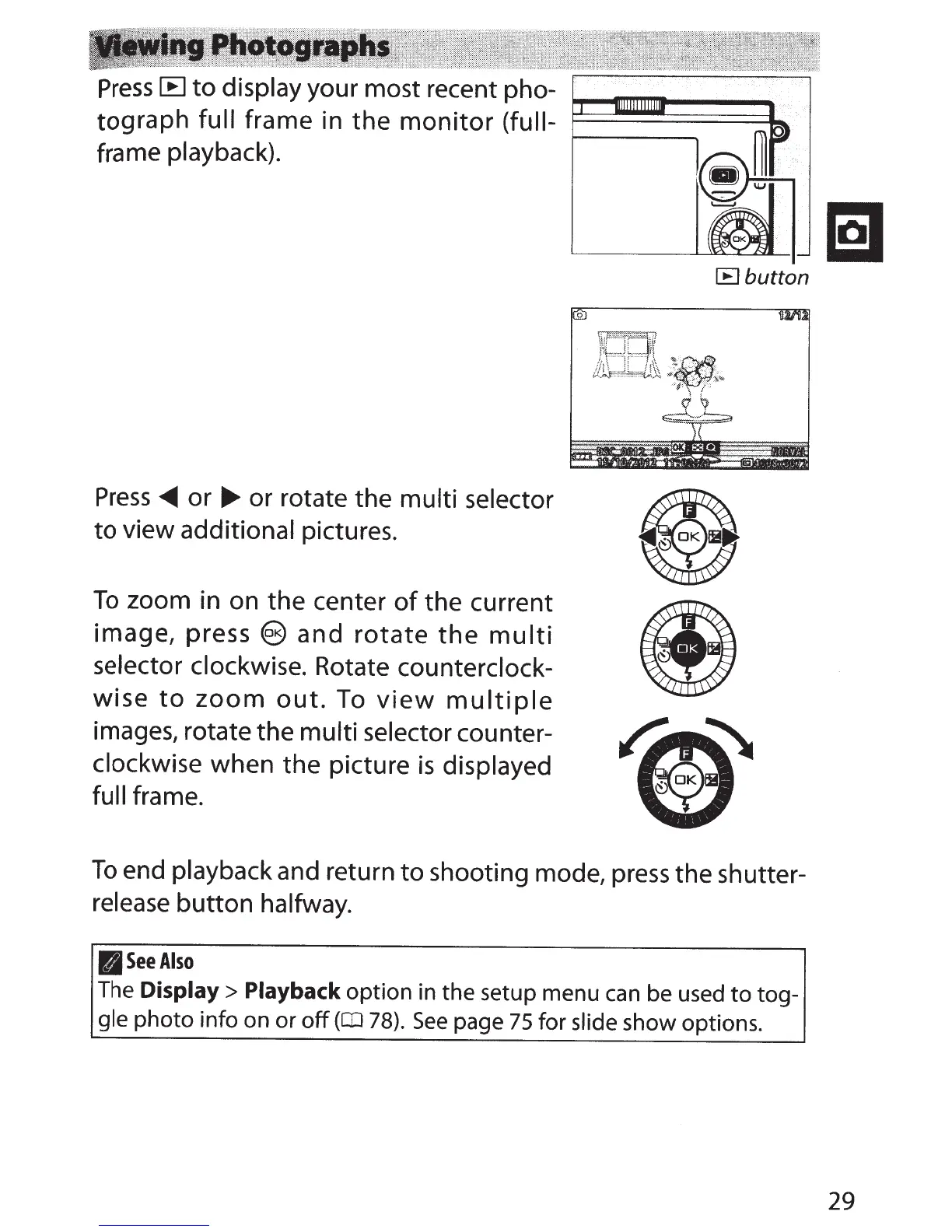
Press
[B
to
display your most recent pho-
tograph full
frame in
the
monitor
(full-
frame playback).
Press
~
or
.,...
or rotate the multi selector
to
view additional pictures.
To
zoom in on the center
of
the current
image, press
e and
rotate
the
multi
selector clockwise. Rotate counterclock-
wise
to
zoom
out.
To
view
multiple
images, rotate the multi selector counter-
clockwise when the picture
is
displayed
full frame.
[B
button
To
end playback and return
to
shooting mode,
press
the shutter-
release
button halfway.
(I
See
Also
The
Display>
Playback
option in the setup menu
can
be used
to
tog-
gle
photo
info on or
off
(aJ
78).
See
page
75
for slide show options.
29



 To Next Page