EasyManua.ls Logo

Nikon J3 - Page 38

Nikon J3
350 pages
Print Icon
To Next Page IconTo Next Page
To Previous Page IconTo Previous Page
Loading...
El
36
S
Shutter-Priority Auto
In
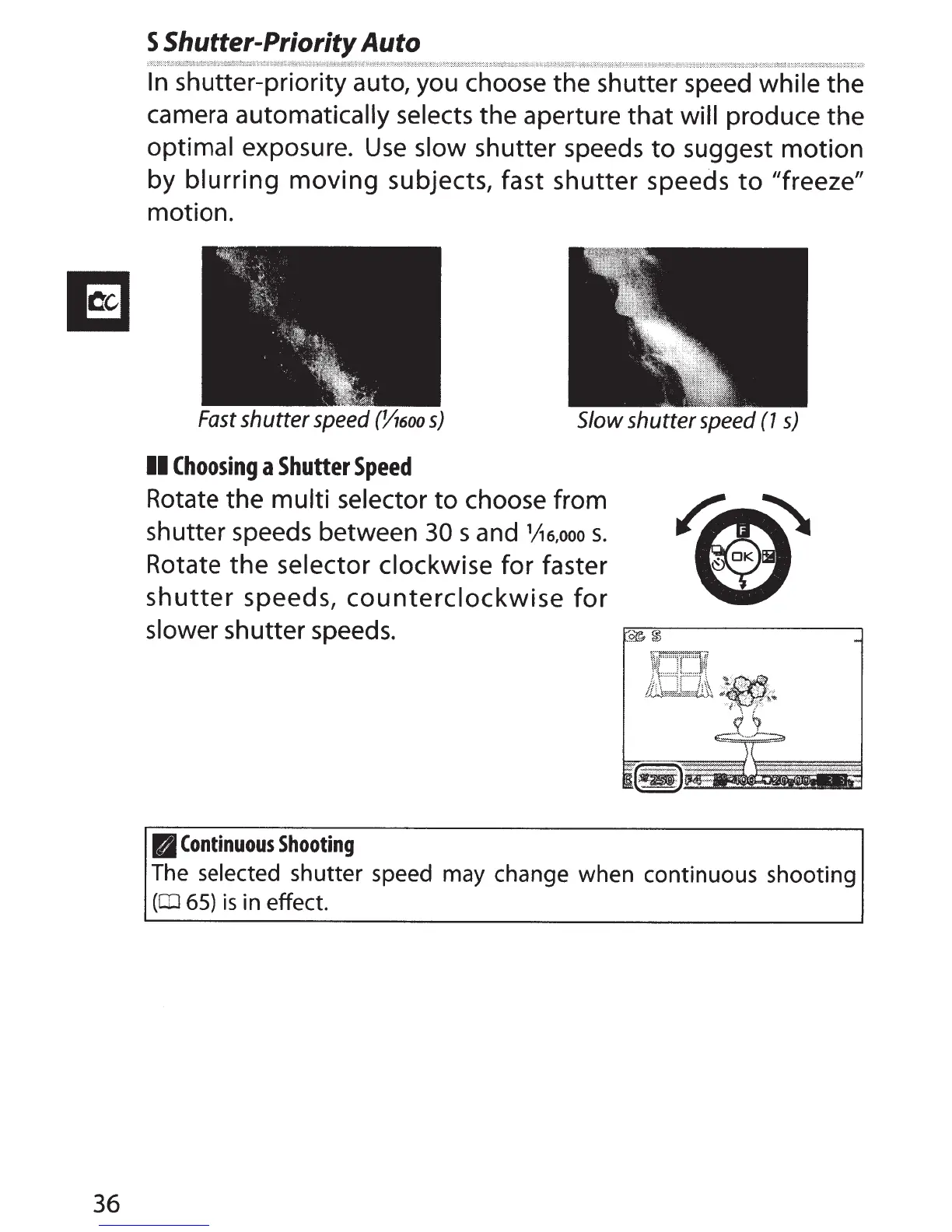
shutter-priority auto, you choose the shutter speed
while the
camera
automatically selects
the aperture that
will produce the
optimal
exposure.
Use
slow
shutter speeds
to
suggest motion
by
blurring
moving
subjects, fast shutter speeds
to
"freeze"
motion.
Fast
shutter
speed
(06oo
s)
Slow
shutter
speed
(1
s)
II
Choosing
a
Shutter
Speed
Rotate the
multi selector
to
choose from
shutter speeds between
30
s and
1
/J6,ooo
s.
Rotate
the
selector clockwise
for faster
shutter
speeds,
counterclockwise
for
slower shutter speeds.
B
Continuous
Shooting
The
selected shutter speed may change when continuous shooting
(CD
65)
is
in effect.

Table of Contents

Related product manuals