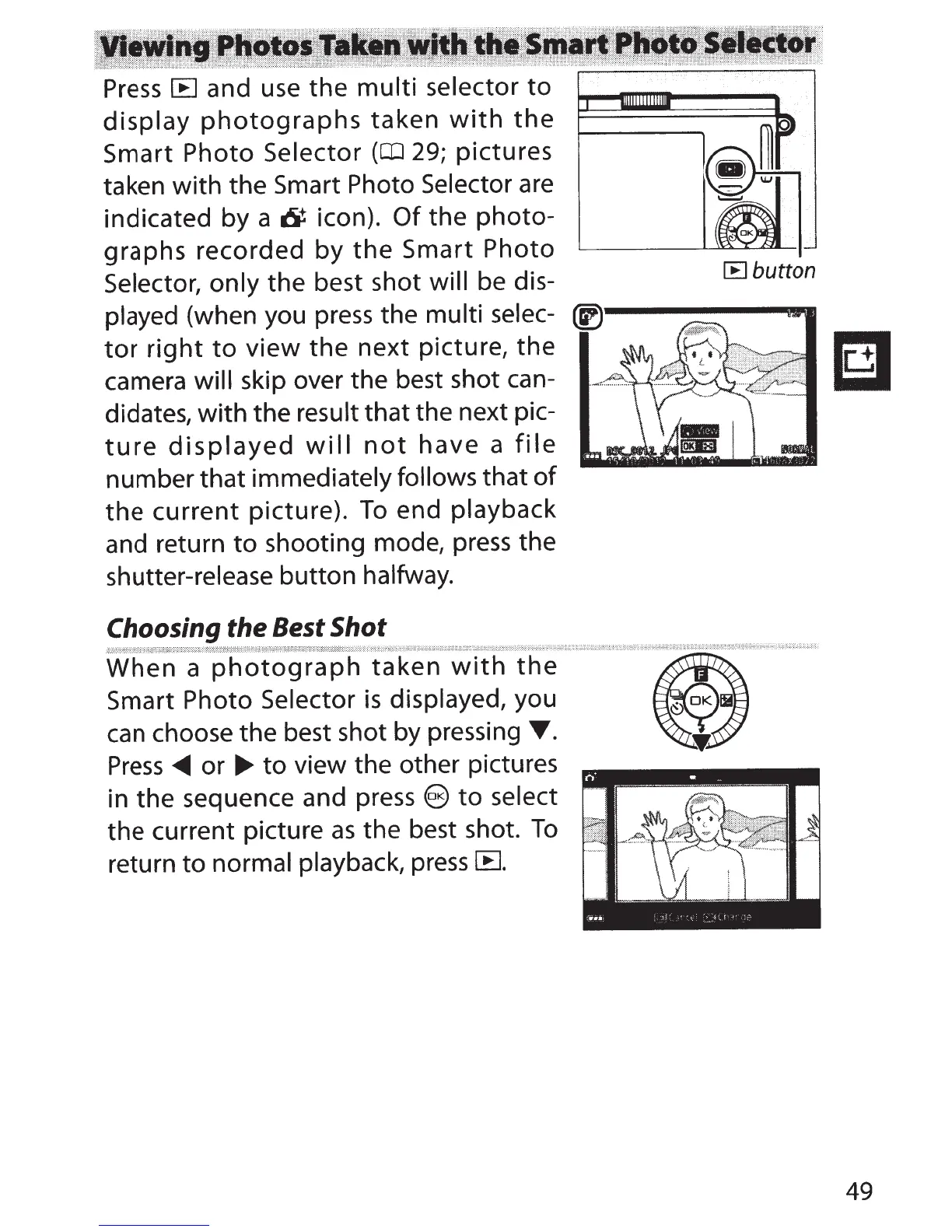
Press
IB
and use
the
multi
selector
to
display
photographs
taken
with
the
Smart
Photo
Selector
(OJ
29; pictures
taken with the Smart
Photo Selector
are
indicated
by
a 6 icon).
Of
the
photo-
graphs recorded
by
the
Smart
Photo
Selector, only
the best shot will
be dis-
played (when you press the
multi
selec-
tor
right
to
view
the
next
picture,
the
camera will
skip over the best shot can-
didates,
with
the
result that the next pic-
ture
displayed
will
not
have
a
file
number that immediately follows
that
of
the
current
picture).
To
end
playback
and return
to
shooting mode,
press
the
shutter-release button halfway.
Choosing the
Best
Shot
[B
button
_,,,,,,:;,~:::=:;:::=:=:%:::::'f~:;;;~::{:~~~~:r::::=:::=:=:~======:::::::
{~?;;::;.i::<.
~:::w~::=:::::::=:~===:=:::::g:;::-;::~4:::=~===~=v~:==:::===~=::-~~~==::::::::~~m~t.r,:::::::::::,:=:,:o:=:
=
~==
=======~:::::=~~=*=~~,~
~~==:~~
:===:=====:=<:=·====~:{:;:;;;i
~t:
:: :::=
========~=:::::::::~:::-
-:::..;;:~t~===~==
===~=====
==·===·=:,:;;::::
::;;:;:;::~,
~
:;.-:;:::===:
==-===·=~==:::::::::H
~~;;.;.;::,~~==~
======:=::::=:=::::~:=::::::~:~:·
q.,,,*'.'''''
''''?~=:::=:~=:n:=:::=::::::~
n?<·~'~'
When
a
photograph
taken
with
the
Smart
Photo Selector
is
displayed, you
can
choose the best shot by pressing
T.
Press
_...
or
....
to
view the other pictures
in the sequence and press
@)to select
the current picture
as
the best shot.
To
return
to
normal playback,
press
lB.
49



 To Next Page