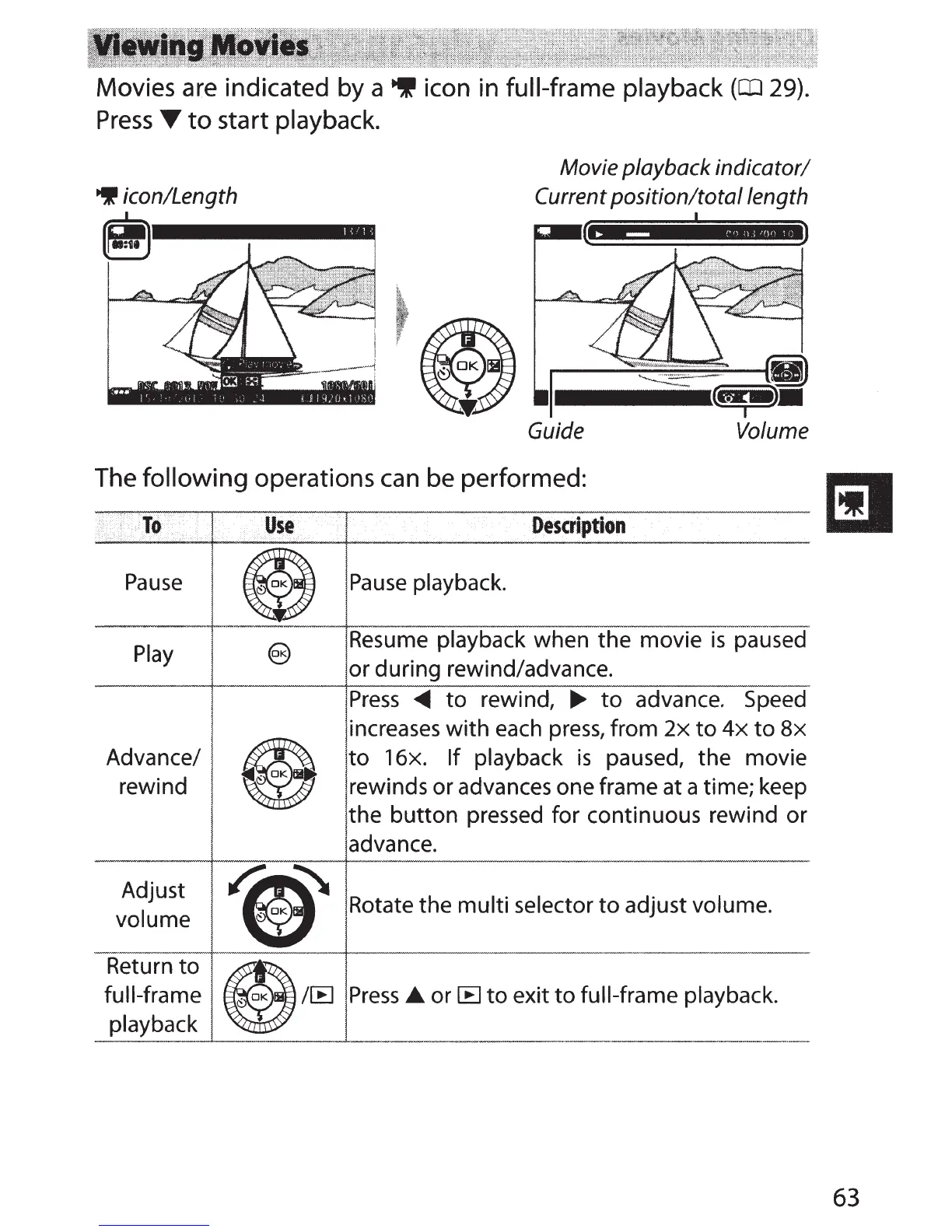
Movies are indicated by a
~
icon in full-frame playback
(CIJ
29).
Press
T
to
start playback.
9 icon/Length
Movie playback indicator/
Current position/total length
------~
..
-::
:,Q~
Guide Volume
The following operations
can
be performed:
i
To
use
Description
Pause
e
Pause
playback.
Play
@)
Resume playback when
the
movie
is
paused
or during rewind/advance.
Press
~
to
rewind,
~
to
advance. Speed
€9
increases
with
each
press,
from
2x
to
4x
to
8x
Advance/
to
16x.
If
playback
is
paused,
the
movie
rewind
rewinds
or
advances one frame at a time; keep
the
button
pressed for continuous rewind or
advance.
Adjust
~
Rotate
the
multi
selector
to
adjust volume.
volume
Return
to
e@
full-frame Press.._ or
[B
to
exit
to
full-frame playback.
playback
63



 To Next Page