98
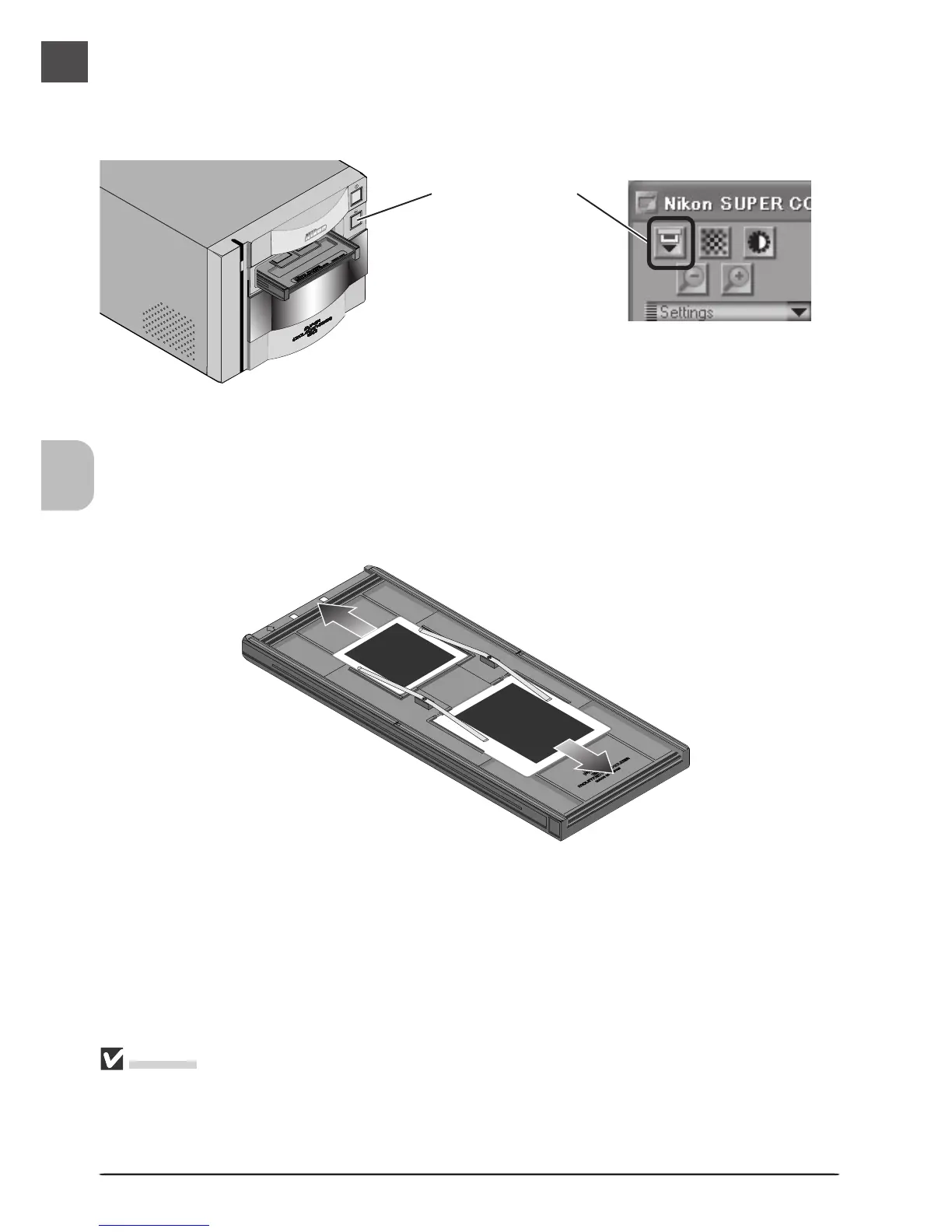
Once scanning is complete, press the eject button on the front of the scanner or click the eject
button in the scan window to eject the holder. Remove the holder and close the sliding cover.
Eject button
Removing Slides from the Holder
Slide the mounts out from under the clips that hold them in place.
Cautions
Do not leave the film in the holder for extended periods, as it may deform the clips that hold the
slide mounts in place.
Do not use force when removing slides from the clips. Failure to observe this precaution could
result in damage to the clips. Lift the slides up only once they are clear of the clips.












 To Next Page