56
Step 1—Ready the Film
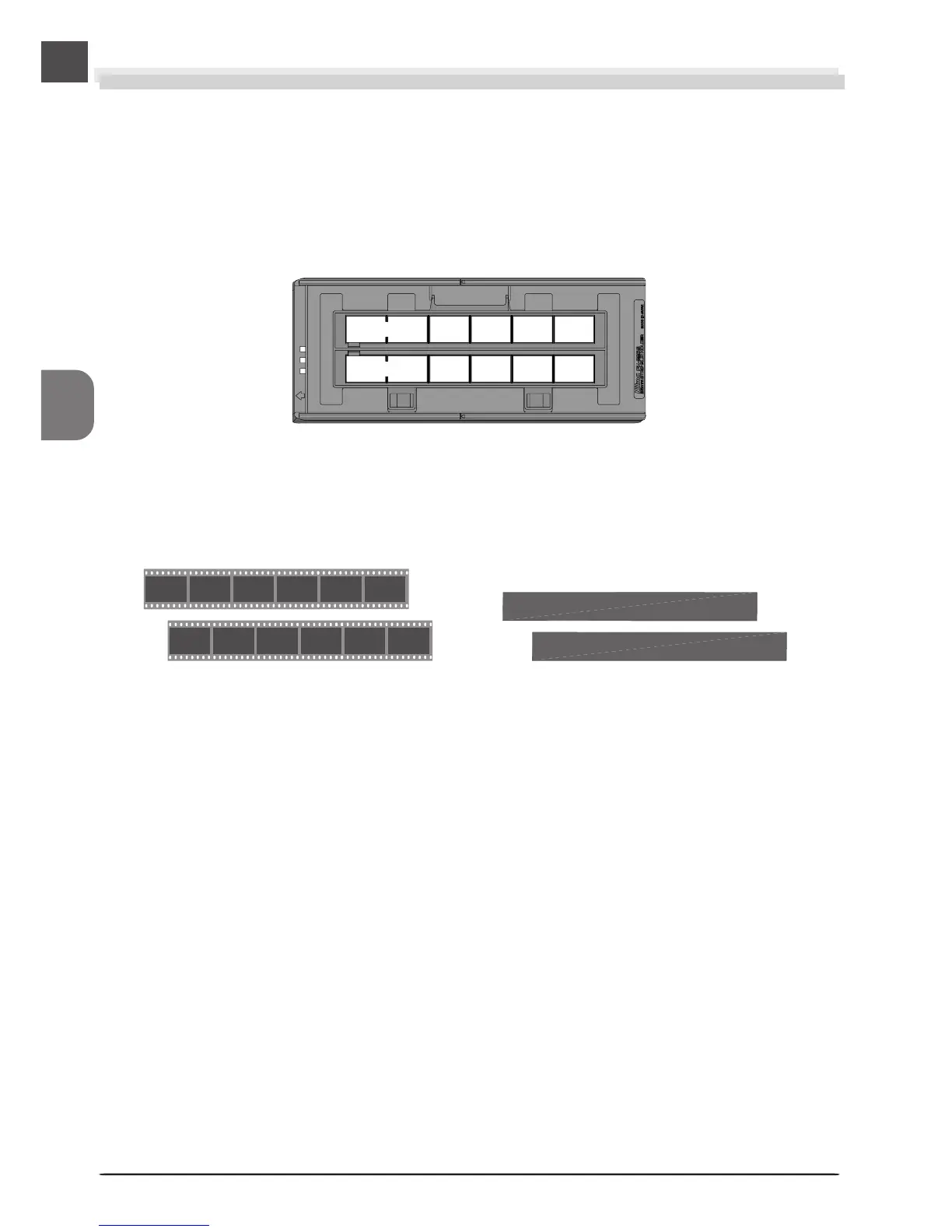
The holder you will use depends on the type of film scanned. This example illustrates how to
scan 35-mm film using the FH-835S film holder provided with your scanner. The FH-835S is
used when scanning strips of 35-mm film up to six frames in length. Up to two film strips can
be placed in the holder at a time. When scanning a single film strip, or when scanning two
strips of different lengths, use the masking sheet to mask the unused apertures in the holder.
FH-835S film holder for 35-mm film strips
35-mm film Masking sheets












 To Next Page