58
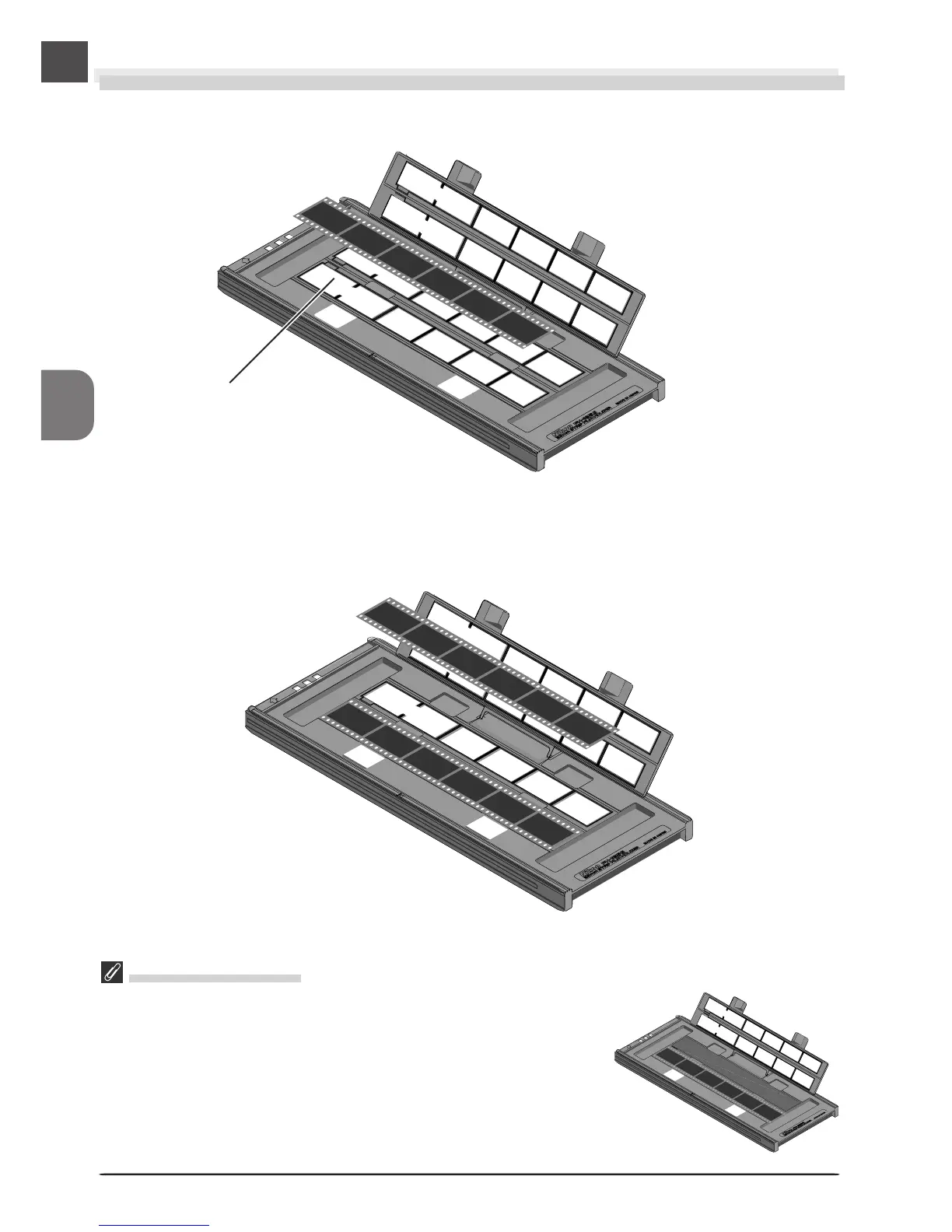
Step 2—Place the Film in the Holder
Place the film to be scanned in the holder with the matte emulsion surface down (the shiny
surface up) and the frames aligned with the apertures in the lower portion of the holder.
Apertures
Place the second strip of film in the holder as described above, aligning it with the next row of
apertures. Neither strip should be longer than the row of apertures.
Scanning Single Strips
When scanning film strips one at a time, be sure to cover the remain-
ing apertures with a masking sheet. Place the film at the front of the
holder, where frame numbering starts. For more information, see page
81 of this manual.












 To Next Page