121
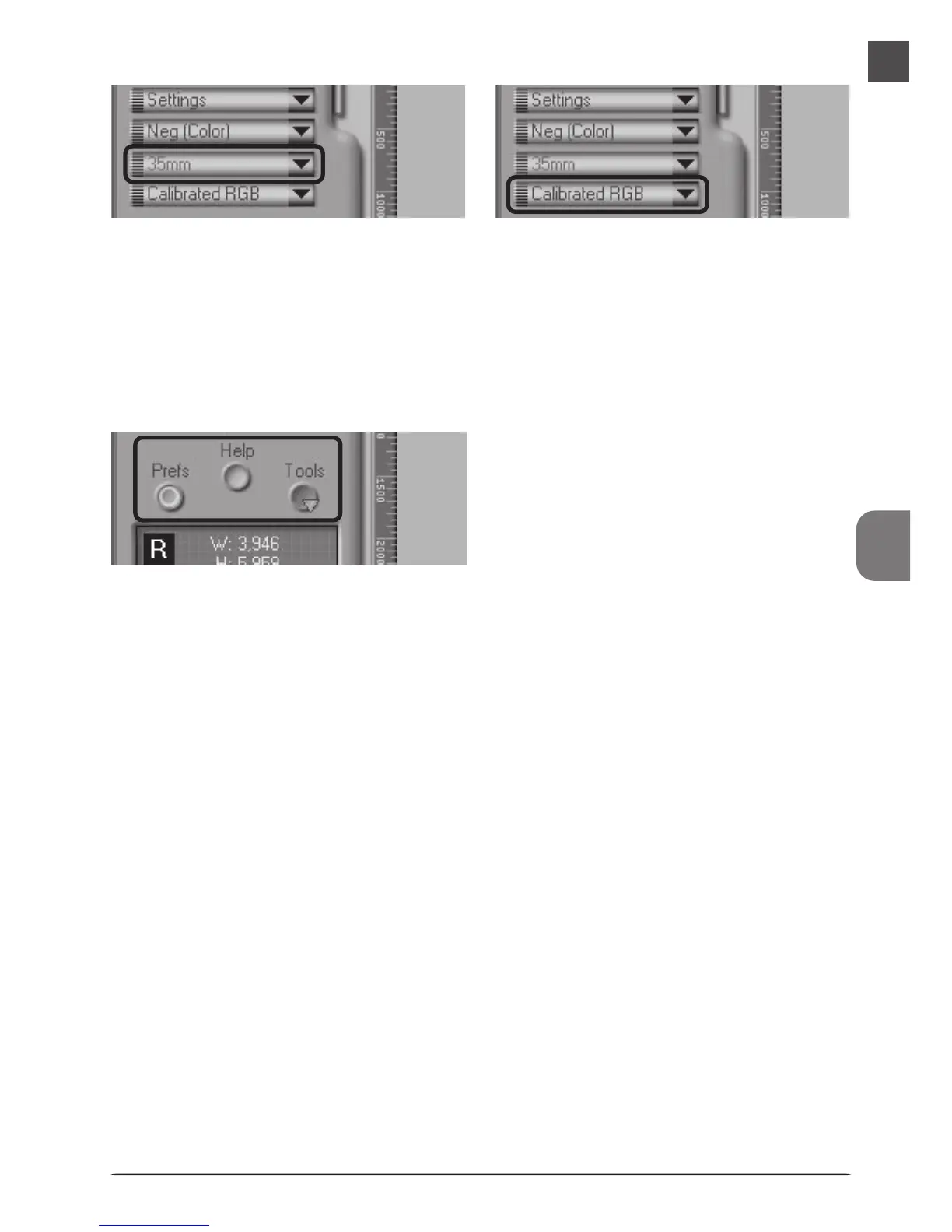
Media Type Menu 1
Adjusts scanner settings to match the media in
the scanner.
Window Buttons
• Prefs: click to open the preferences dialog
•Help: click to open the Nikon Scan help file
•Tools:open the Tool Chest or Scan Progress
windows
Media Type Menu 2
When using the FH-869S or optional FH-869G
or FH-869GR holders for medium format film,
choose a setting that matches the media in the
scanner (6 × 4.5, 6 × 6, 6 × 7, 6 ×x 8, 6 × 9, etc.)












 To Next Page