22
2
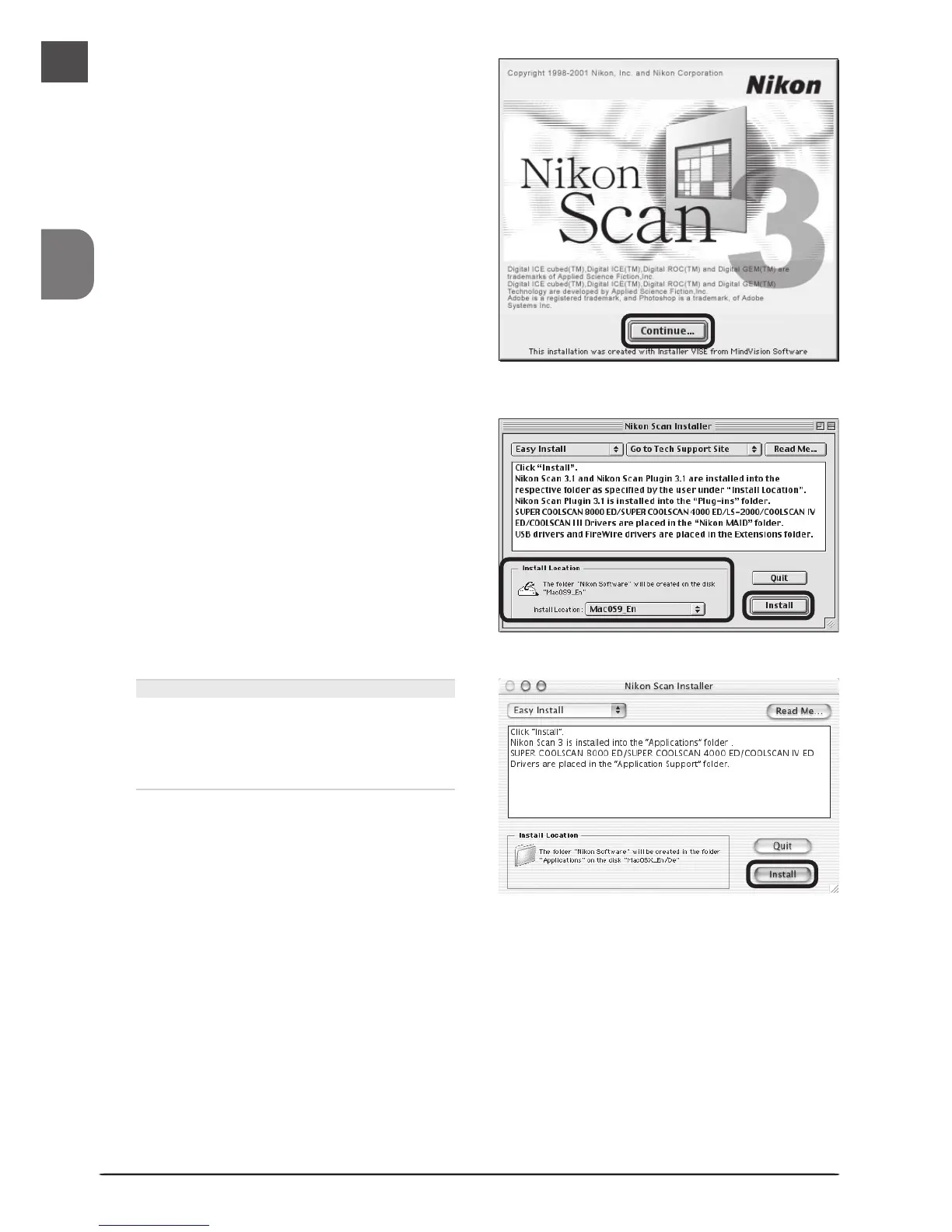
When the installer starts, click Con-
tinue… to display the license agree-
ment. Clicking Accept displays the
ReadMe file. Take a few moments to
read this file, which may contain im-
portant information that could not be
included in this manual. After read-
ing the file, click Continue….
3
Choose a location for Nikon Scan from
the Install Location menu and click
Install.
Mac OS X
Nikon Scan will automatically be installed
to the folder “Applications : Nikon Soft-
ware” on the startup disk. You can not
select an alternate location.












 To Next Page