47
4
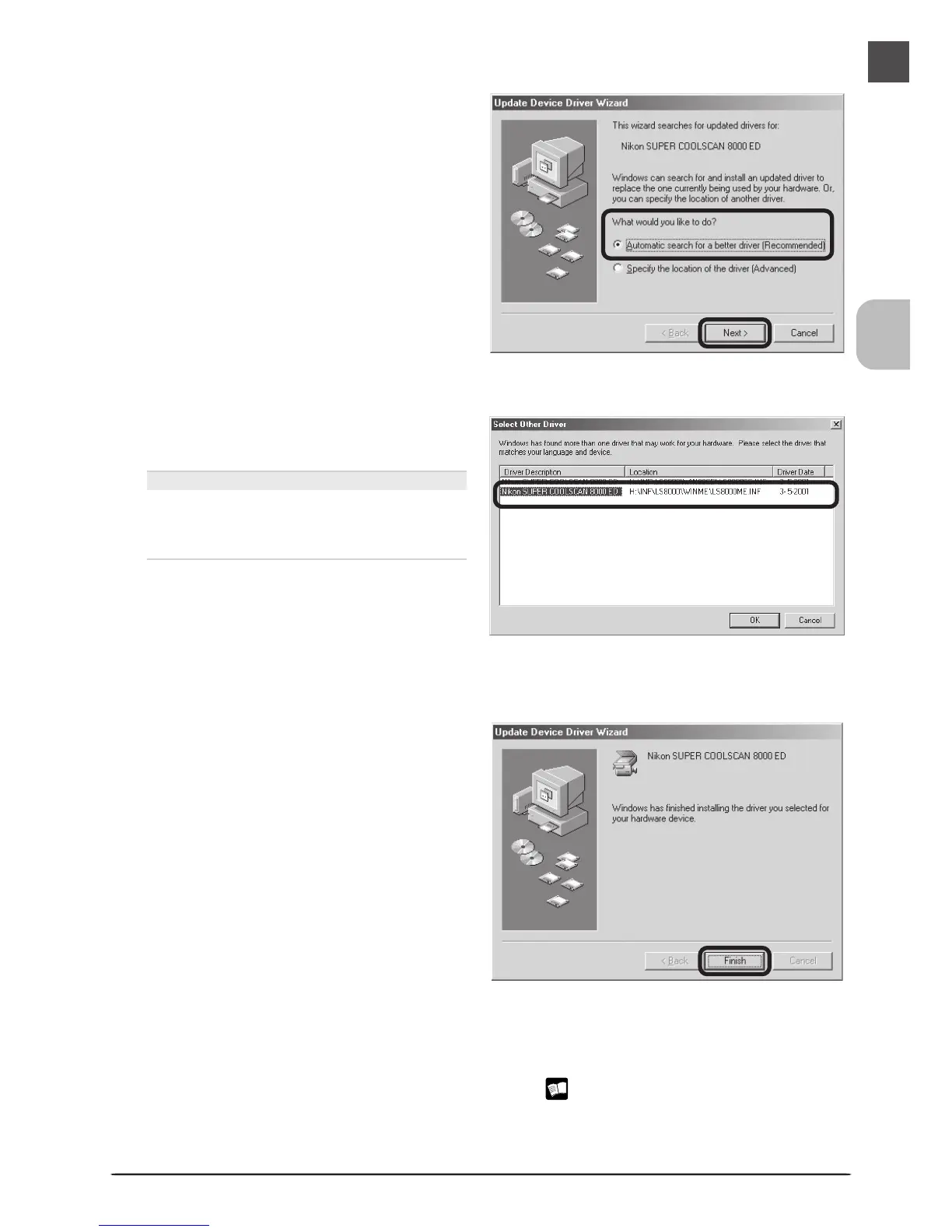
Select the search option
Select the search option and click Next.
5
Select LS8000ME.INF
Select LS8000ME.INF in the list of driv-
ers and click OK.
“LS8000ME.INF”
Several drivers with similar names may be
displayed. Be sure to select the driver with
the path ending in LS8000ME.INF.
6
Click Finish
Click Finish to complete installation. If
prompted to restart the computer, click
Yes.
7
Confirm device registration
Confirm that the scanner has been correctly registered with the system as described in
“Confirming Device Registration (Windows Me)” ( 44–45).












 To Next Page