77
13
Exit Nikon Scan and turn the scanner off
13-1. Eject the holder
Press the eject button to eject the holder (see step 12).
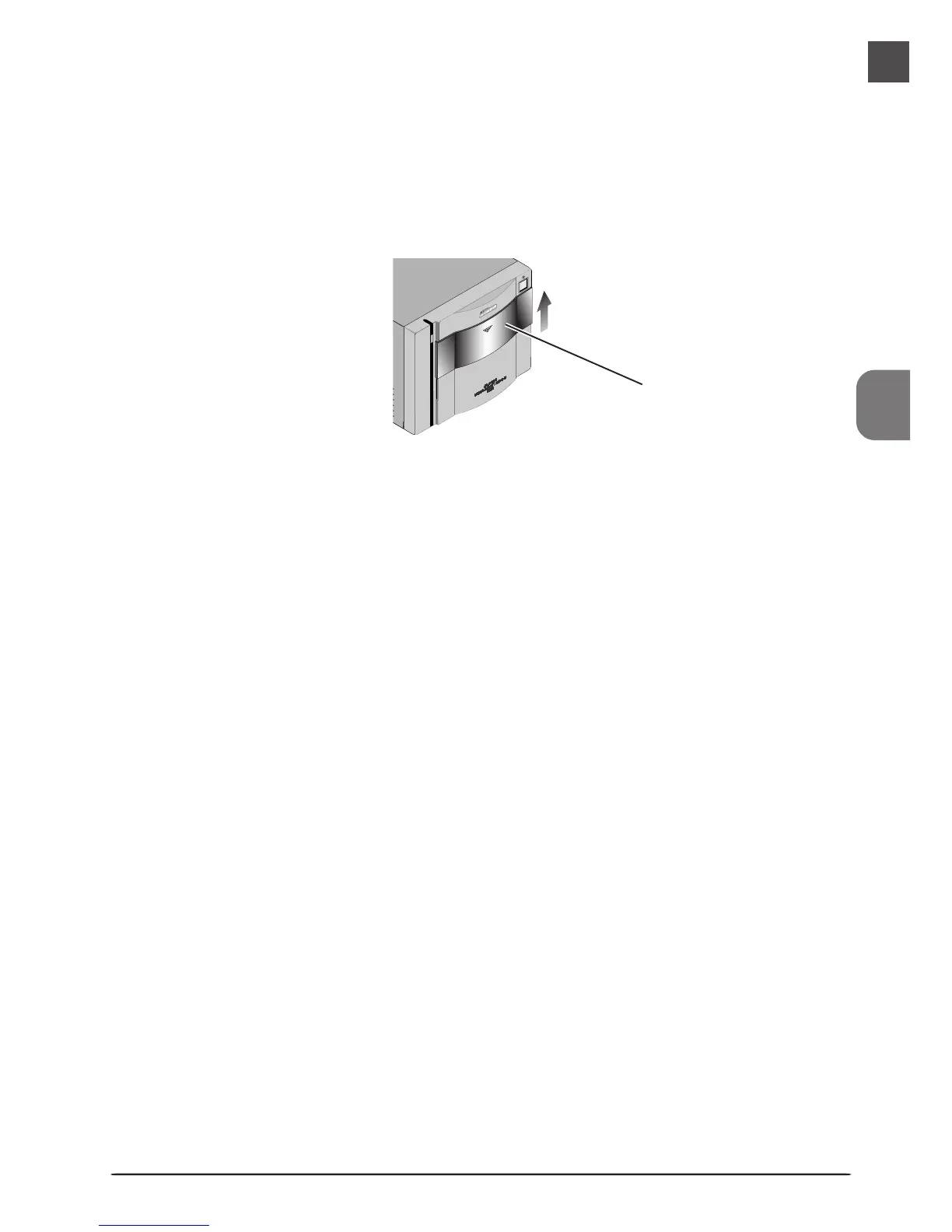
13-2. Close the sliding cover
Slide the cover closed.
Sliding cover
13-3. Exit Nikon Scan
If you are using Nikon Scan as a “stand-alone” application, choose Exit (Windows) or
Quit (Macintosh) from the File menu to exit Nikon Scan. If you are using Nikon Scan to
scan images directly into another application, simply close the scan window by clicking
the close box.












 To Next Page