82
Cautions
Use only one type of film at a time. Do not place negative and positive film in the holder at the
same time.
To avoid damaging the film, use a blower to remove dust and lint from the film and holder.
Leaving dust, lint, or other foreign objects on the film or holder during scanning could result in
reduced image quality or in damage to the film.
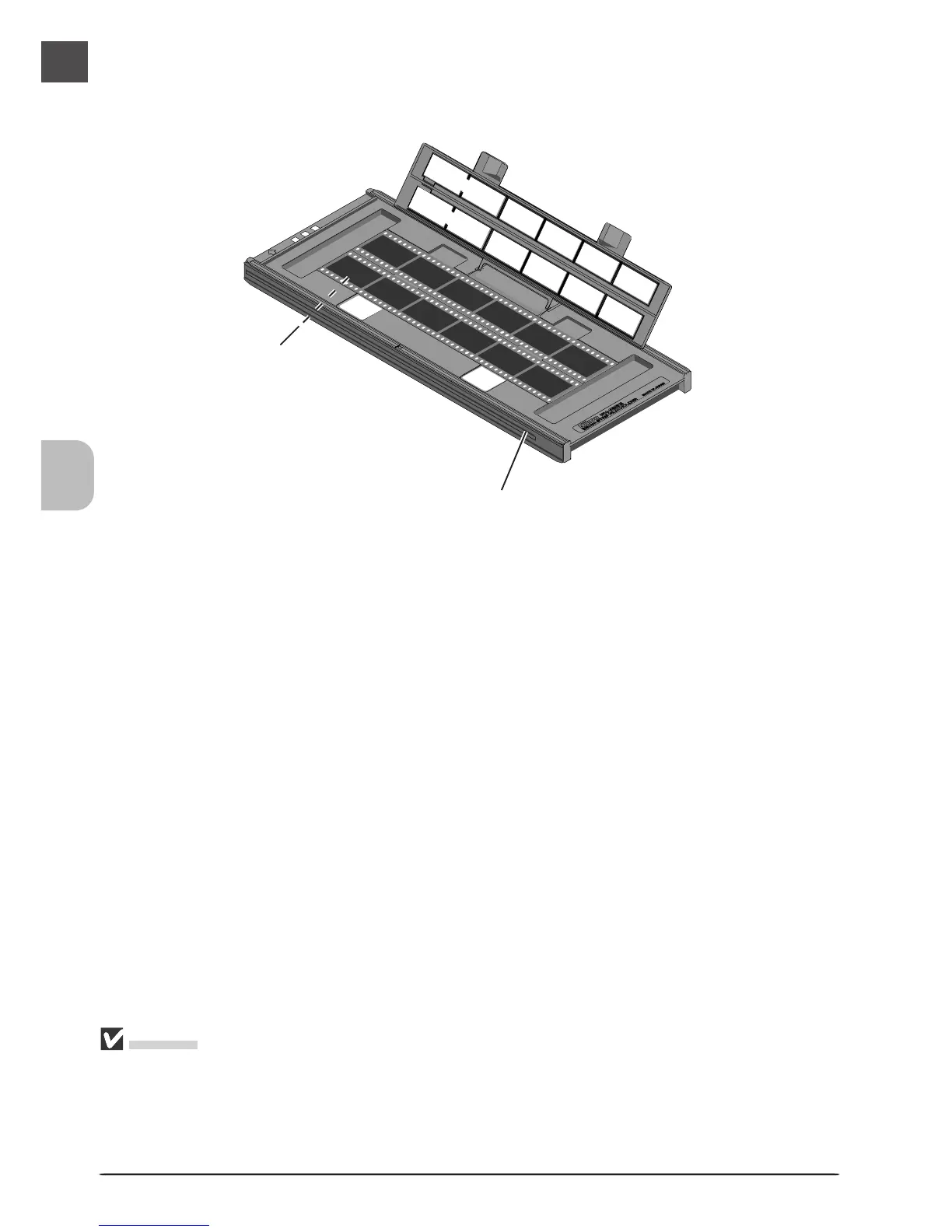
Place the film to be scanned in the holder with the matte emulsion surface down (the shiny
surface up) and the frames aligned with the apertures in the lower portion of the holder.
Apertures
Lower holder












 To Next Page