86
Removing Film from the Holder
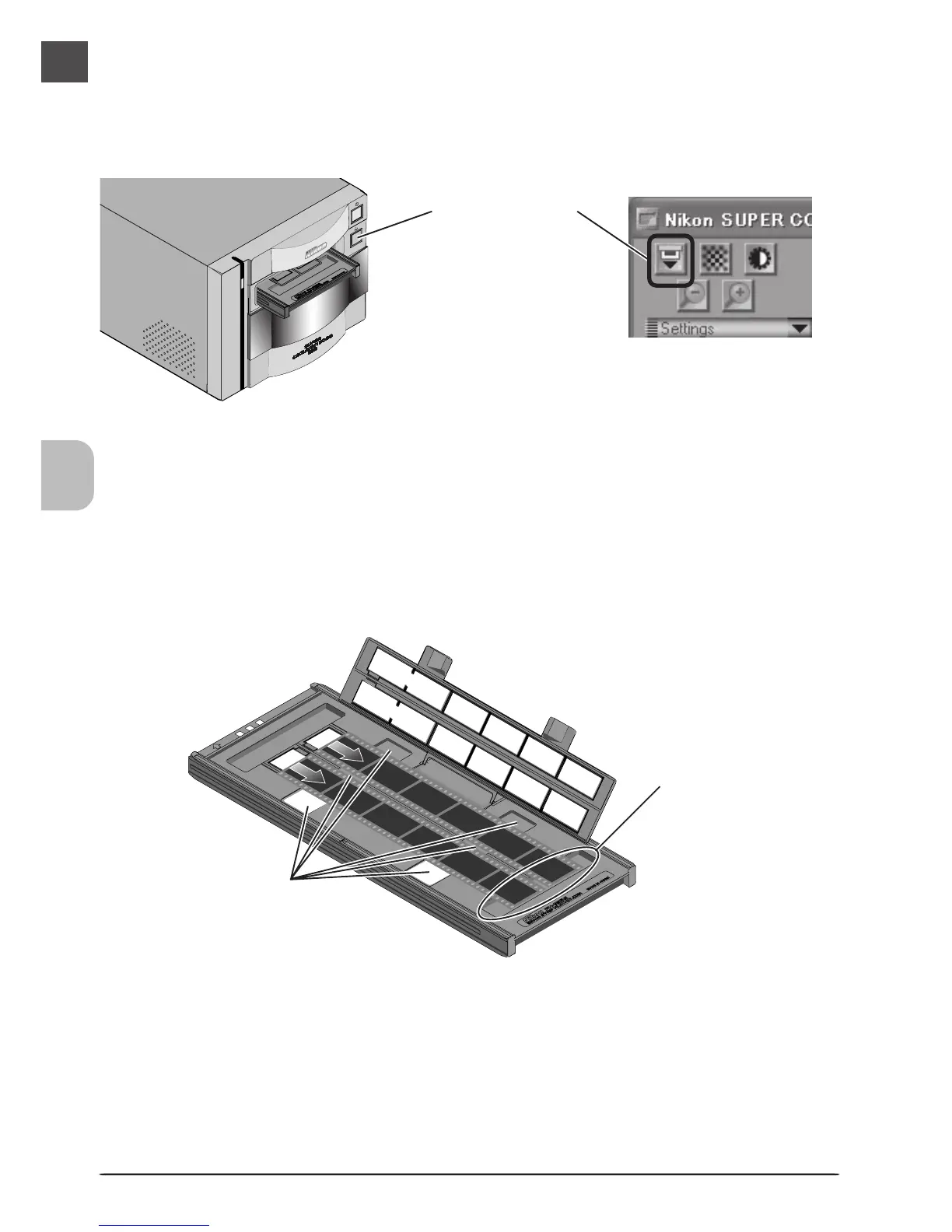
Open the holder as described above and remove the film. Insert your fingers in the holes in the
lower holder and pick the film up by its edges. If the edges of the film are not accessible, tilt the
holder so that the film slides to the edge of the depression at the end of the lower holder and
then remove the film.
Once scanning is complete, press the eject button on the front of the scanner or click the eject
button in the scan window to eject the holder. Remove the holder and close the sliding cover.
Depression
Eject button
Holes












 To Next Page