1
11
e50 @
+'''Y'''-
I
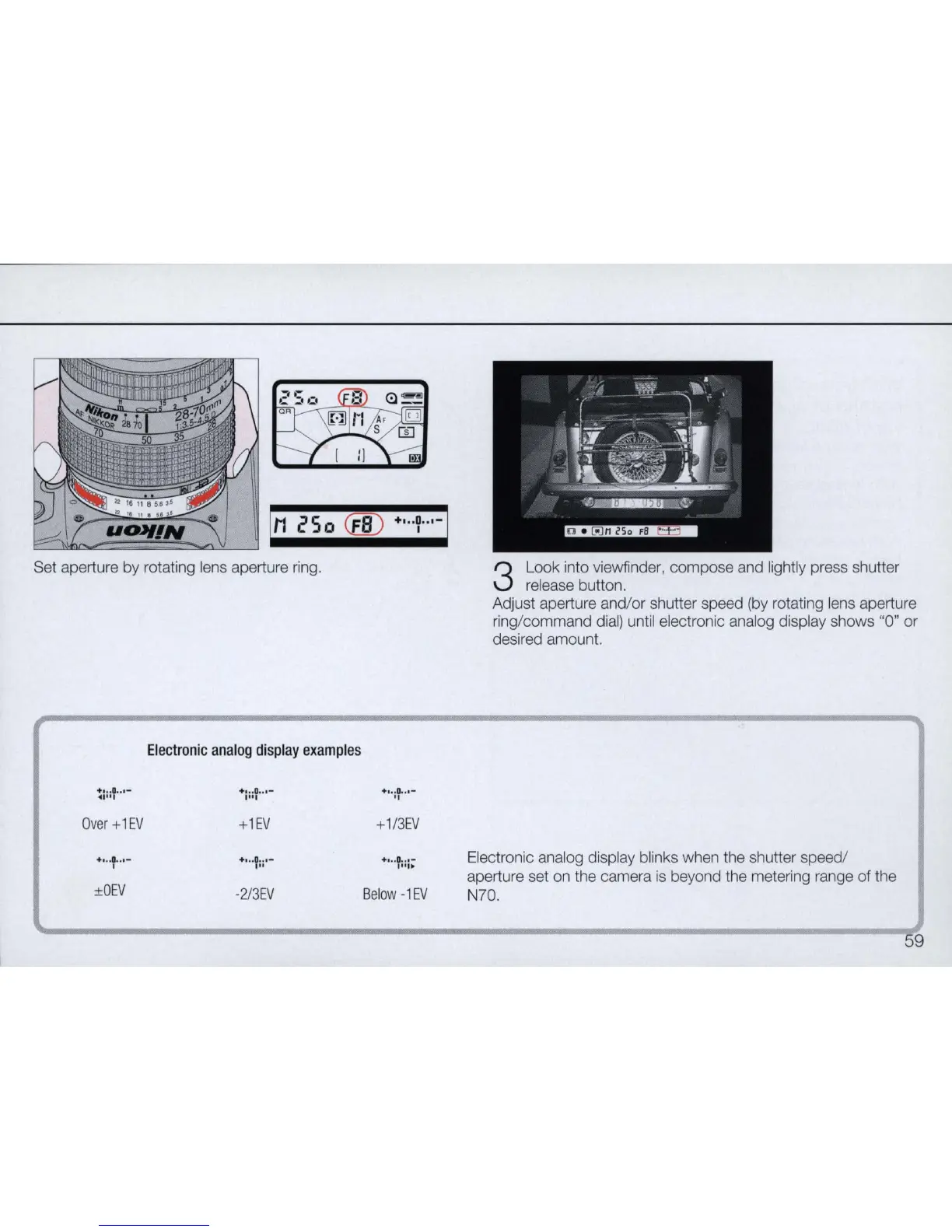
Set aperture by rotating lens aperture ring.
Over
+1EV
+ •.. 0 •.• -
I
±OEV
Electronic
analog
display
examples
+1EV
+,,,0 ... -
."
-2/3
EV
+
1/3EV
+ •
..
0
..•
-
1"1"
Below
-1EV
3
Look into viewfinder, compose and lightly press shutter
release button.
Adjust aperture and/or shutter speed (by rotating lens aperture
ring/command dial) until electronic analog display shows "0" or
desired amount.
Electronic analog display blinks when the shutter speed/
aperture set on the camera
is
beyond the metering range
of
the
N70.
59



 To Next Page