60
With lenses having no CPU, F - - appears
instead
of
aperture value in LCD panel and
viewfinder.
With
AI-type
lenses including
AI-modif
ied
Nikkor
lenses: Confirm aperture value on lens barrel.
With lenses having
fixed
aperture,
such
as Reflex-
Nikkor
lenses: Aperture cannot be changed. Adjust
exposure by changing shutter speed.
With lenses having
no
auto
diaphragm
such as PC-
Nikkor
lenses: Lens
is
stopped down when a smaller
aperture (larger f-number)
is
selected. Focus manually
with the lens set at maximum aperture.
4
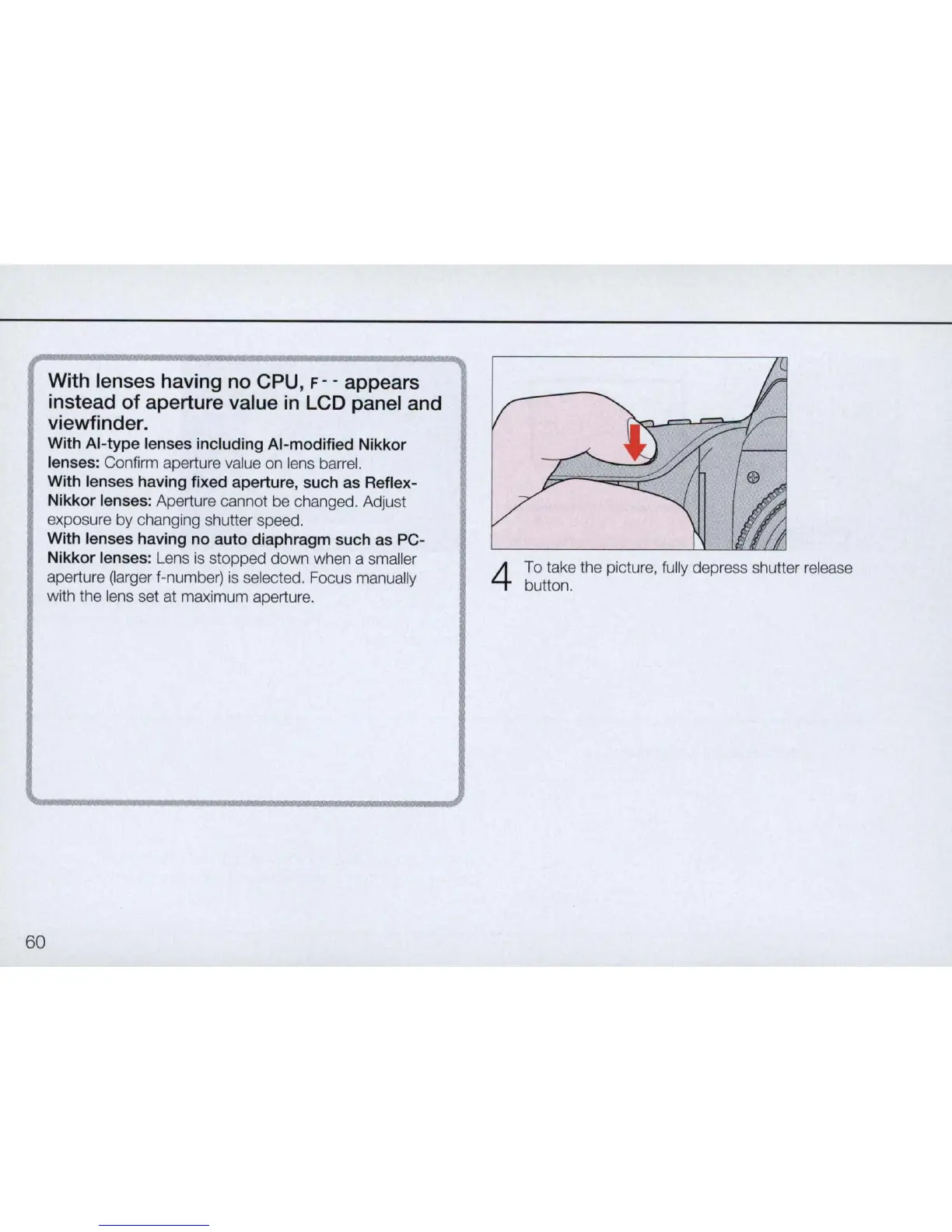
To take the picture, fully depress shutter release
button.



 To Next Page