LONG
TIME
EXPOSURE
USING
b,_,t
b
SETTING
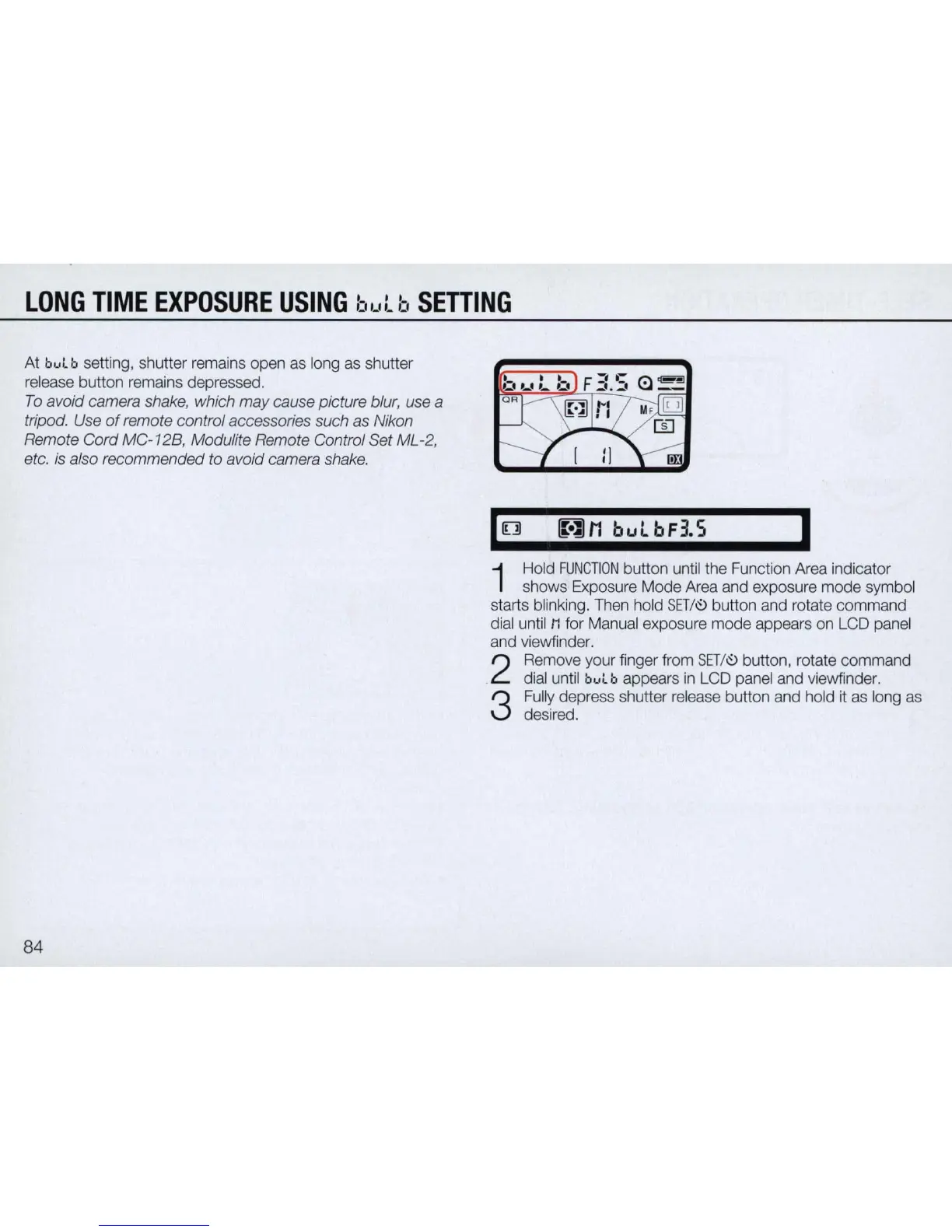
At bul b setting, shutter remains open as long as shutter
release button remains depressed.
To
avoid camera shake, which may cause picture blur, use a
tripod. Use
of
remote control accessories such as Nikon
Remote Cord
MC
-12B, Modulite Remote Control Set ML
-2
,
etc.
is
also recommended to avoid camera shake.
84
,[]
[Wl11
bulbF3.5
I
1
Hold
FUNCTION
button until the Function Area indicator
shows Exposure Mode Area and exposure mode symbol
starts blinking. Then hold
SET
/
~
button and rotate command
dial until
M for Manual exposure mode appears on
LCD
panel
and viewfinder.
2
Remove your finger from
SET
/
~
button, rotate command
dial until
bul b appears
in
LCD
panel and viewfinder.
3
Fully depress shutter release button and hold
it
as long as
desired.



 To Next Page