EasyManua.ls Logo

nilan CTS 600 - System Configuration and Features; Accessing Operational Data

nilan CTS 600
25 pages
Print Icon
To Next Page IconTo Next Page
To Previous Page IconTo Previous Page
Loading...
May be subject to change page 13 af 25
Show data
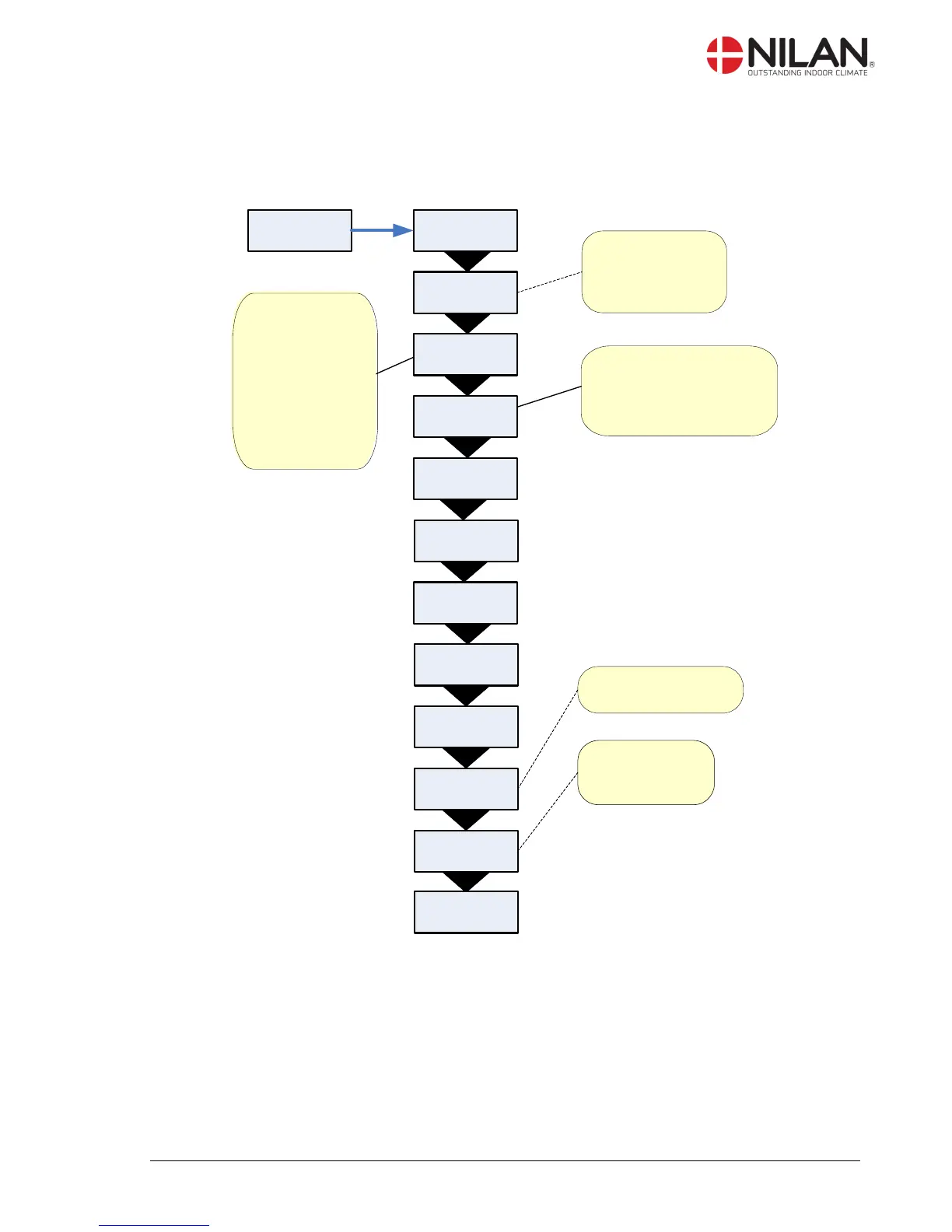
The actual operation data can be read in the ”Show data” menu.
See review of thermometer sensors at page 5.
SHOW
DATA
FRESHAIR
T1 9 °C
STATUS
HEAT
PANEL
T15 20°C
INLET
T2 50°C
EXTERNAL
T10 9°C
Room temperature
recorded by T15
(sensor in CTS 600
control panel).
The software version
used by the system.
The software
version used by
the controls.
INLET
FLOW 2
SOFTWARE
1 1.23
EXHAUST
FLOW 2
EVAP
T6 -1°C
SOFTWARE
2 1.01
ENTER
COND
T5 40°C
TYPE
VPL 25 c
For systems without heating
element, T2 is displayed.
For systems with heating
element, T7 is displayed.
T 10 is an external
sensor that can be
installed in an outlet
fitting in the sitting
room. T10 can be
chosen as the main
room sensor in the
service menu. See
installation manual.
Figure 8: The ”Show data” menu

Other manuals for nilan CTS 600

Related product manuals