EasyManua.ls Logo

nilan CTS 600 - Main Menu

nilan CTS 600
25 pages
Print Icon
To Next Page IconTo Next Page
To Previous Page IconTo Previous Page
Loading...
May be subject to change page 9 af 25
Main menu
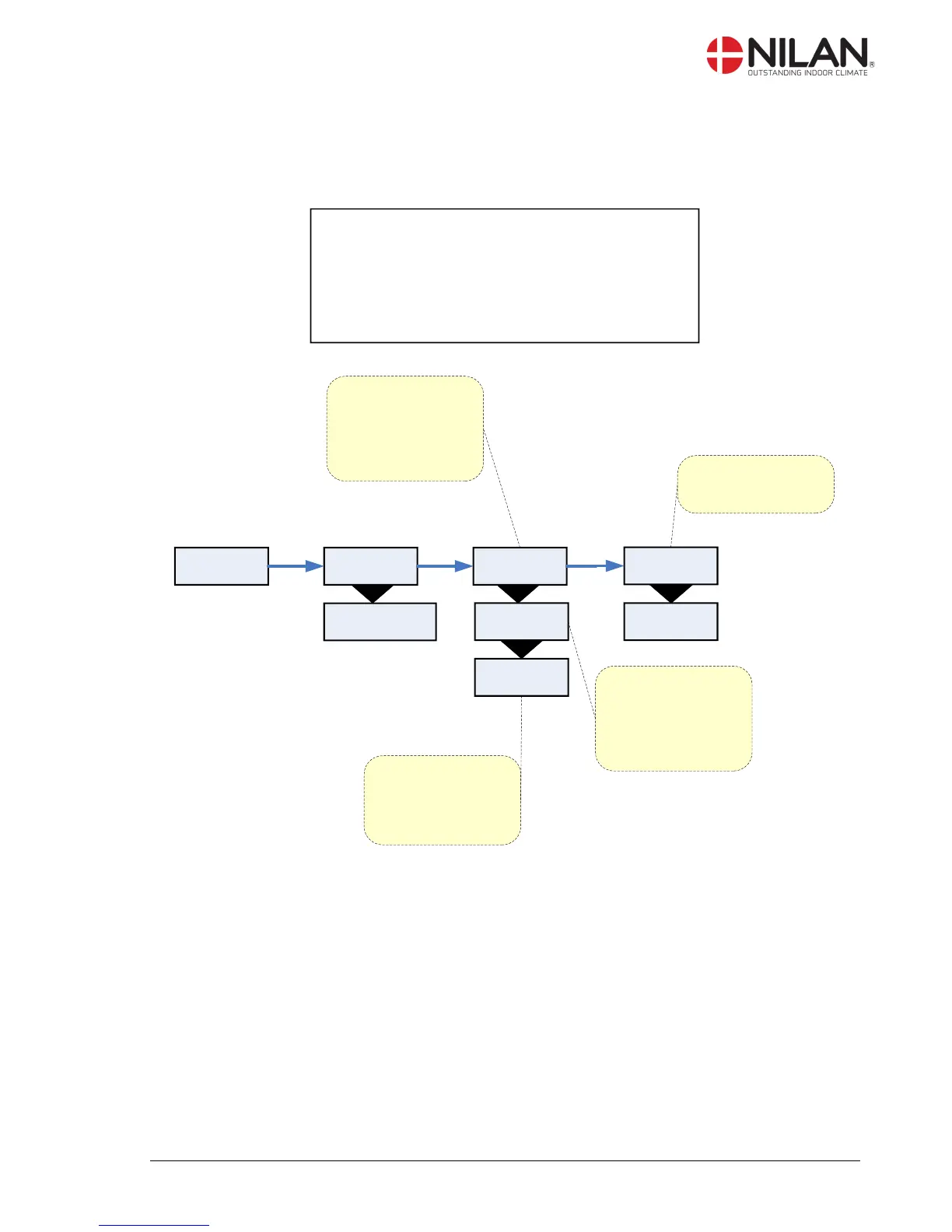
The main menu is automatically shown 15 seconds after the unit is electrically connected.
” ” indicates that the menu point flashes and can be set to another value.
Use of t he CTS 600 panel :
- pr ess ESC t o go one st ep back i n t he menu
- pr ess qpt o move up or down i n a menu or t o
adj ust an act i vat ed menu
- pr ess ENTER t o act i vat e a menu
- pr ess ENTER t o conf i r m a menu
- pr ess OFF t o t ur n of f t he uni t
- pr ess ON t o t ur n t he uni t on

AUTO
>2< 19°C”
AUTO
>3<19°C
”COOLING”
>2< 19°C
”HEAT”
>2< 19°C
”AUTO”
>2< 19°C
AUTO
>2<19°C
ENTER ENTER
AUTO
>2< 19°C
AUTO
>2< 5-30°C”
ENTER
In AUTO mode the unit
automatically choses
cooling or heating
according to the desired
room temperature. Week
programme is possible.
Heating according to the
desired room
temperature.
Week programme is
NOT optional.
Cooling according to the
desired room
temperature + neutral
zone (+5 °C).
Week programme is
NOT optional.
The indicated ventilation
step applies for the
exhaust.
Figure 6: Headlines in the ”Main menu”

Other manuals for nilan CTS 600

Related product manuals