May be subject to change page 21 af 25
Air filter
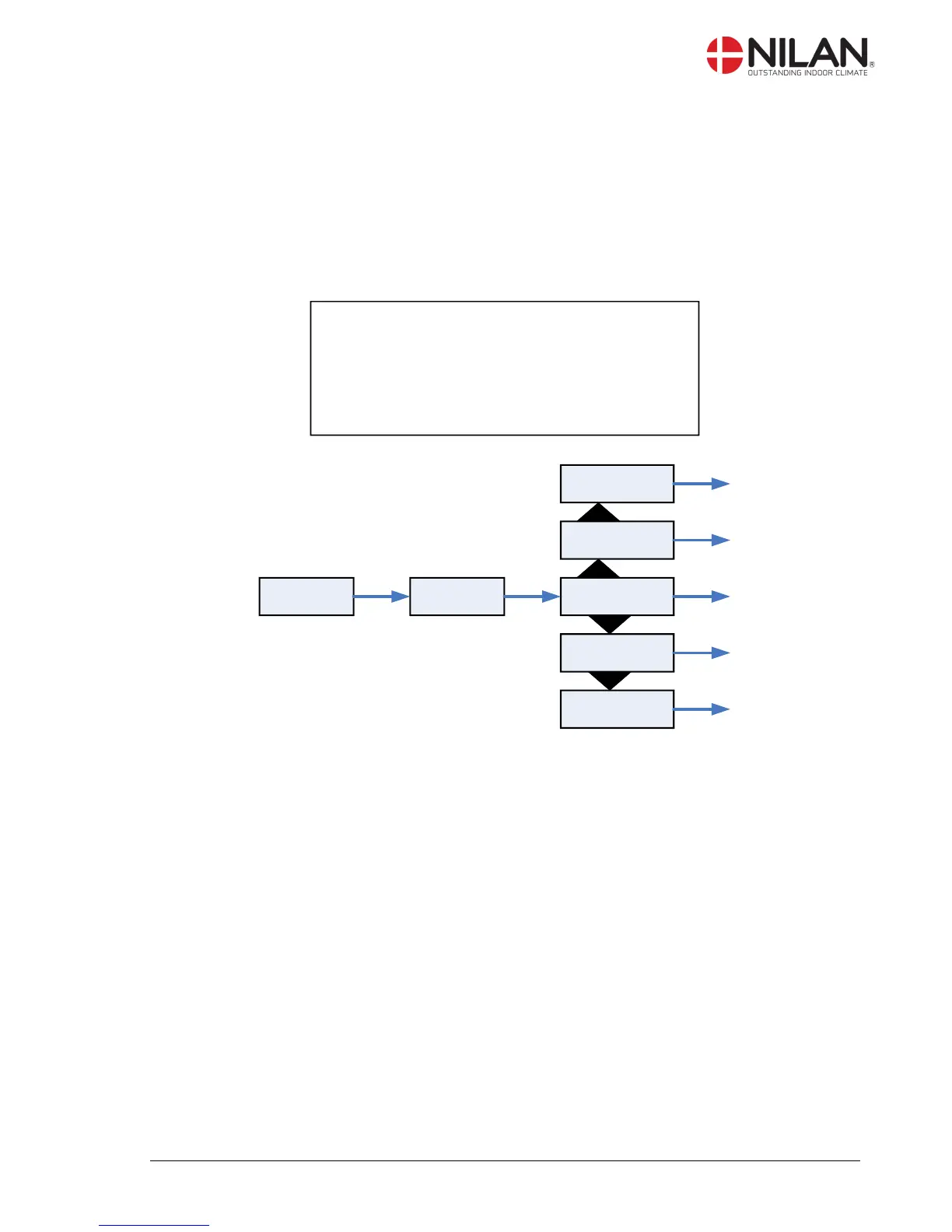
In the ”Air filter” menu it is possible to chose the interval of the filter guard.
The unit is factory configured to provide emergency with 90 days interval. It is then possible to
change this range if necessary.
After the deadline you will see "Filter" as an information alert
” ” indicates that the menu point flashes and can be set to another value.
Use of t he CTS 600 panel :
- pr ess ESC t o go one st ep back i n t he menu
- pr ess qpt o move up or down i n a menu or t o
adj ust an act i vat ed menu
- pr ess ENTER t o act i vat e a menu
- pr ess ENTER t o conf i r m a menu
- pr ess OFF t o t ur n of f t he uni t
- pr ess ON t o t ur n t he uni t on



 To Next Page
 Loading...