EasyManua.ls Logo

Nilfisk-Advance crescent SC250 - User Manual

Nilfisk-Advance crescent SC250
18 pages
Print Icon
To Next Page IconTo Next Page
Loading...
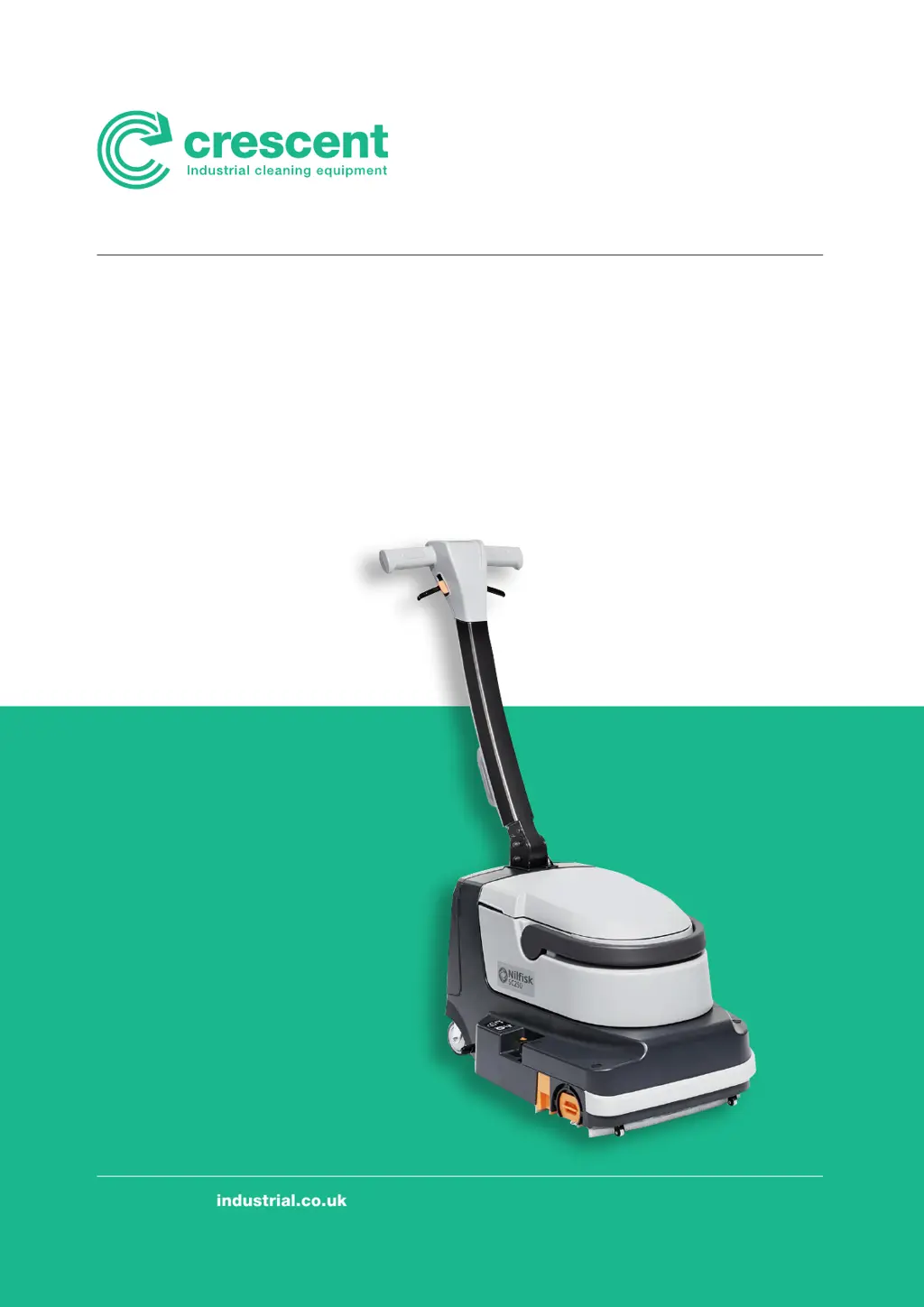
SC250
www.crescentindustrial.co.uk
Operator
manual –
English
I

Questions and Answers

  • Z
    zjamesAug 5, 2025
    What to do if Nilfisk-Advance Scrubber recovery water vacuuming is insufficient?
    • J
      John RichardsonAug 5, 2025
      If the recovery water vacuuming is insufficient, there are several possible causes. The recovery tank might be full, so you should empty it. The squeegee bars could be dirty, or the blades may be worn or damaged, in which case you should clean and check them. The recovery water conduit might be dirty, so clean it with running water. Finally, the air filter could be dirty, so clean the filter.
  • J
    Julia WilliamsAug 11, 2025
    Why is the solution flow insufficient in my Nilfisk-Advance crescent SC250 Scrubber and the LEDs are flashing?
    • W
      Wanda PadillaAug 11, 2025
      If the solution flow is insufficient and the solution push-button LEDs are flashing, it could be due to several reasons. The solution dispensers might be clogged, so clean them. The solution tank could be empty, so fill it. The solution filter might be dirty, so clean it. Finally, there could be a water pump fault, in which case you should replace the pump.
  • A
    annholmesAug 15, 2025
    How to fix Nilfisk-Advance Scrubber when the motors do not turn on and no LED turns on?
    • R
      Robert LewisAug 15, 2025
      If the motors do not turn on and no LED turns on, it could be due to several reasons. The battery might be completely discharged, so charge it. Alternatively, the battery may need to be changed. It is also possible that the switch panel is broken, so replace it. Finally, broken grip handle sensors could be the cause, so replace them.
  • J
    Jeffery CarrollAug 21, 2025
    What to do if Nilfisk-Advance Scrubber squeegees leave marks on the floor?
    • F
      Frank LozanoAug 21, 2025
      If the squeegees are leaving marks on the floor, there are a few potential causes. There might be debris under the squeegee blades, so remove it. The squeegee blades could be worn, chipped, or torn, so replace them. It's also possible that the debris collection tray is full, so empty the tray.
  • K
    Kurt JensenAug 26, 2025
    Why are the battery LEDs flashing on my Nilfisk-Advance crescent SC250 while working?
    • J
      Jose MclaughlinAug 27, 2025
      If the battery LEDs flash while the scrubber is working, it could be due to a brush motor overload. In this case, reduce the brush pressure on the floor. Alternatively, there might be foreign materials (tangled threads, etc.) preventing the brush from rotating, so clean the brush hub.
  • A
    Ashley HaynesAug 31, 2025
    How to reduce noise and vibration of Nilfisk-Advance crescent SC250 Scrubber while running?
    • C
      Crystal WilliamsAug 31, 2025
      If the machine is noisy and vibrates while running, it could be due to deformed brush bristles. To resolve this, wash the brush with hot water to restore the bristles. Also, do not leave the machine parked without the transport/parking wheels.

Summary

Introduction and General Information

Manual Purpose and Contents

Explains the manual's aim to provide comprehensive information for safe operation.

Target Audience

Specifies the intended audience for the manual as operators and qualified technicians.

Manual Keeping Instructions

Provides instructions for storing the manual to maintain its condition and usability.

Declaration of Conformity

Mentions the declaration certifying machine conformity with applicable laws.

Identification Data

Details how to find machine model, serial number, and product code for spare parts.

Other Reference Manuals

Lists related manuals like Electronic battery manual and Service Manual.

Spare Parts and Maintenance Guidelines

States that maintenance and repair must be done by qualified personnel using original parts.

Changes and Improvements Policy

Notes Nilfisk's right to make improvements without prior obligation to existing machines.

Operation Capabilities

Describes the machine's intended use for cleaning smooth, solid floors.

Conventions, Delivery, and Safety

Conventions Used

Defines directional terms used in reference to the operator's position.

Unpacking and Delivery Inspection

Instructs to check for transport damage and verify all supplied components upon delivery.

Visible Symbols on Machine

Explains symbols displayed on the machine for operational guidance and warnings.

Symbols Used in Manual

Details the meaning of various symbols used within the manual for warnings and notes.

General Instructions and Warnings

General Safety for Maintenance and Operation

Warns about disconnecting battery for maintenance and avoiding jewelry near electrical parts.

Battery and Charger Safety Precautions

Highlights risks associated with lithium-ion batteries, including fire and explosion.

Battery and Charger Handling Warnings

Provides detailed warnings on handling, charging, and storing the lithium-ion battery and charger.

Operational Safety and Machine Usage

Machine Usage Restrictions and Precautions

Lists restrictions such as slope limits, dust, lighting, and general precautions for safe use.

Maintenance and Parts Replacement

Emphasizes performing maintenance by authorized personnel and using original spare parts.

Disposal and Cleaning Methods

Advises on proper disposal of materials and avoiding high-pressure water jets for cleaning.

Machine Specifications and Description

Technical Data and Specifications

Lists key technical specifications like tank capacity, dimensions, cleaning width, and weight.

Machine Structure Overview

Identifies and lists the various components of the machine with corresponding numbers.

Accessories, Wiring, and Setup

Available Accessories and Options

Lists optional accessories like different brush types and battery kits.

Wiring Diagram Explanation

Explains the key for components and colour codes used in the wiring diagram.

New Machine Setup and Initial Checks

Provides initial checks and setup steps for a new machine, including battery installation.

Operation Procedures

Park Pedal Operation

Explains how to use the park pedal for parking and switching between modes.

Solution Tank Filling Procedure

Details the process of filling the solution tank with water and detergent, including safety precautions.

Starting Up and Operating the Machine

Machine Startup and Control Operation

Guides on starting the machine, adjusting controls, and basic operation.

Handling Tough Dirt and Floor Types

Provides tips for tough dirt, grout lines, and brush pressure adjustment.

Overload and Floor Protection Warnings

Alerts about brush motor overload, floor damage, and proper usage of solution.

Machine Status and Basic Operations

Interpreting Battery Charge Level

Explains how to read the battery charge level using the LEDs on the machine.

Procedure for Stopping the Machine

Outlines the steps to turn off the machine and lift the brush unit.

Recovery Tank Emptying Procedure

Details how to empty the recovery tank, including safety and cleaning steps.

Solution Tank Emptying Procedure

Explains how to empty the solution tank and rinse it after use.

Machine Transport and Parking

Guides on how to safely park and transport the machine, including lifting methods.

Post-Operation and Maintenance Preparation

Procedures After Using the Machine

Lists steps to perform after finishing work, including emptying tanks and charging the battery.

Machine Preparation for Long Inactivity

Outlines procedures for storing the machine for over 30 days, including battery removal.

Battery Removal Procedure

Provides instructions on how to safely remove the battery from the machine.

Importance of Scheduled Maintenance

Stresses that maintenance ensures lifespan and safety, requiring battery disconnection.

Scheduled Maintenance Table

Presents a table outlining daily, weekly, and six-monthly maintenance tasks.

Battery Charging Procedures

Charging the Battery In-Machine

Details how to charge the battery while it is installed in the machine.

Charging the Battery Externally

Explains how to charge the battery when it is removed from the machine.

Cleaning Procedures

Squeegee Bar Cleaning and Maintenance

Guides on safely cleaning squeegee bars, checking blades, and reinstallation.

Brush and Brush Compartment Cleaning

Details steps for removing, cleaning, and reinstalling the brush and cleaning the compartment.

Component Cleaning and Maintenance

Recovery Tank and Cover Cleaning

Instructs on cleaning the recovery tank, cover, suction grid, and gaskets.

Filter, Gasket, and Duct Cleaning

Details cleaning procedures for solution filter, air filter, gaskets, and recovery water duct.

Troubleshooting and Scrapping

Troubleshooting Common Issues

Lists common problems, possible causes, and remedies for machine malfunctions.

Machine Scrapping and Recyclability

Provides guidance on proper scrapping procedures and machine material composition.

Nilfisk-Advance crescent SC250 Specifications

General IconGeneral
BrandNilfisk-Advance
Modelcrescent SC250
CategoryScrubber
LanguageEnglish

Related product manuals