- 11 -
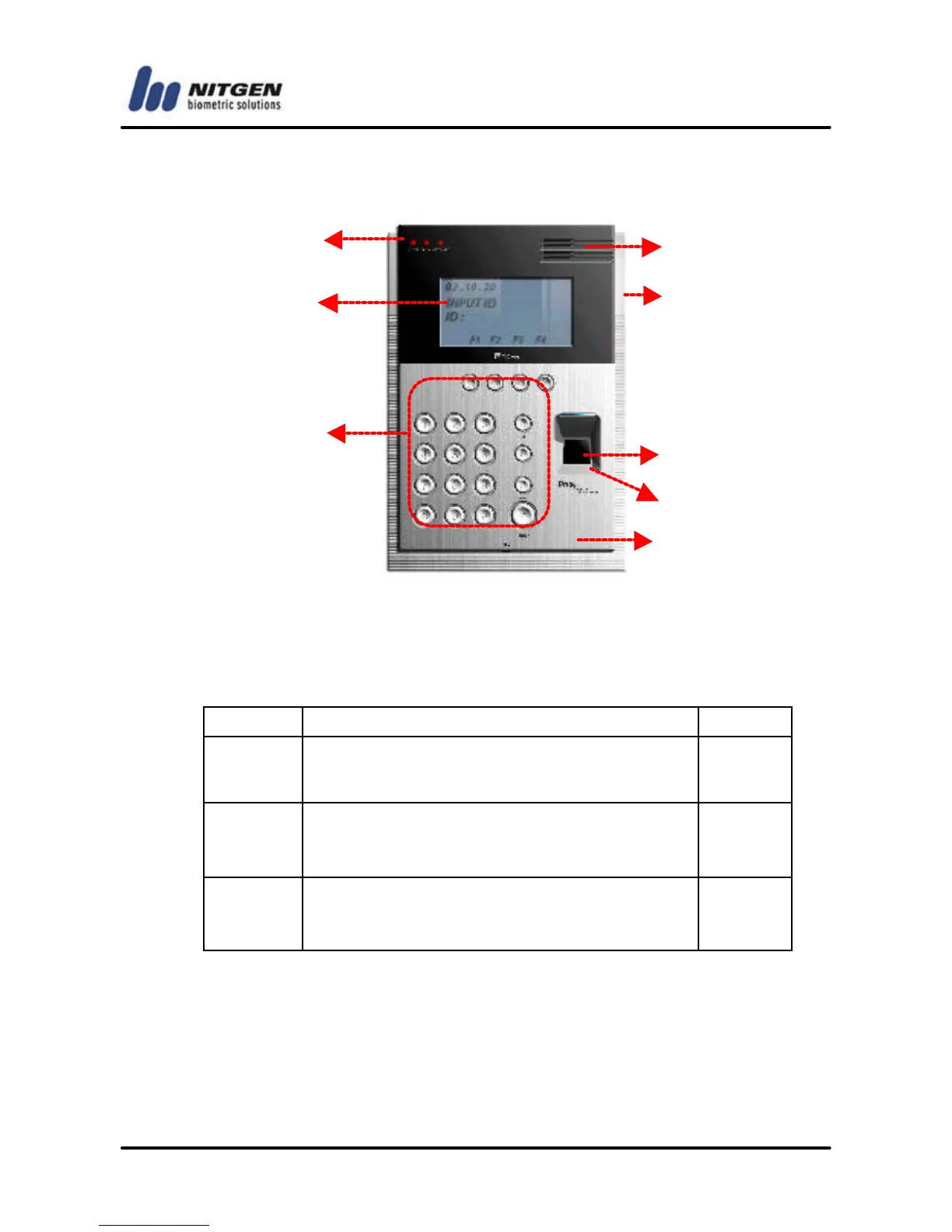
1.3 Product details
4. LED lamps: They indicate the terminal operation status.
The below table shows what they mean from the left:
Lamp Operation Status Color
Power
Power status. The LED is on while the
power is supplied.
Red
Network
Network connection status. The LED is
on while connected to the network.
Green
Door
Open/close status of the door. The LED
is on while the door is open.
Green
② LCD screen: It displays menus and options for all operations.
③ Keypad: It is used to enter user ID or set up environment. For
each key description, please see the following table:
①



 To Next Page