- 28 -
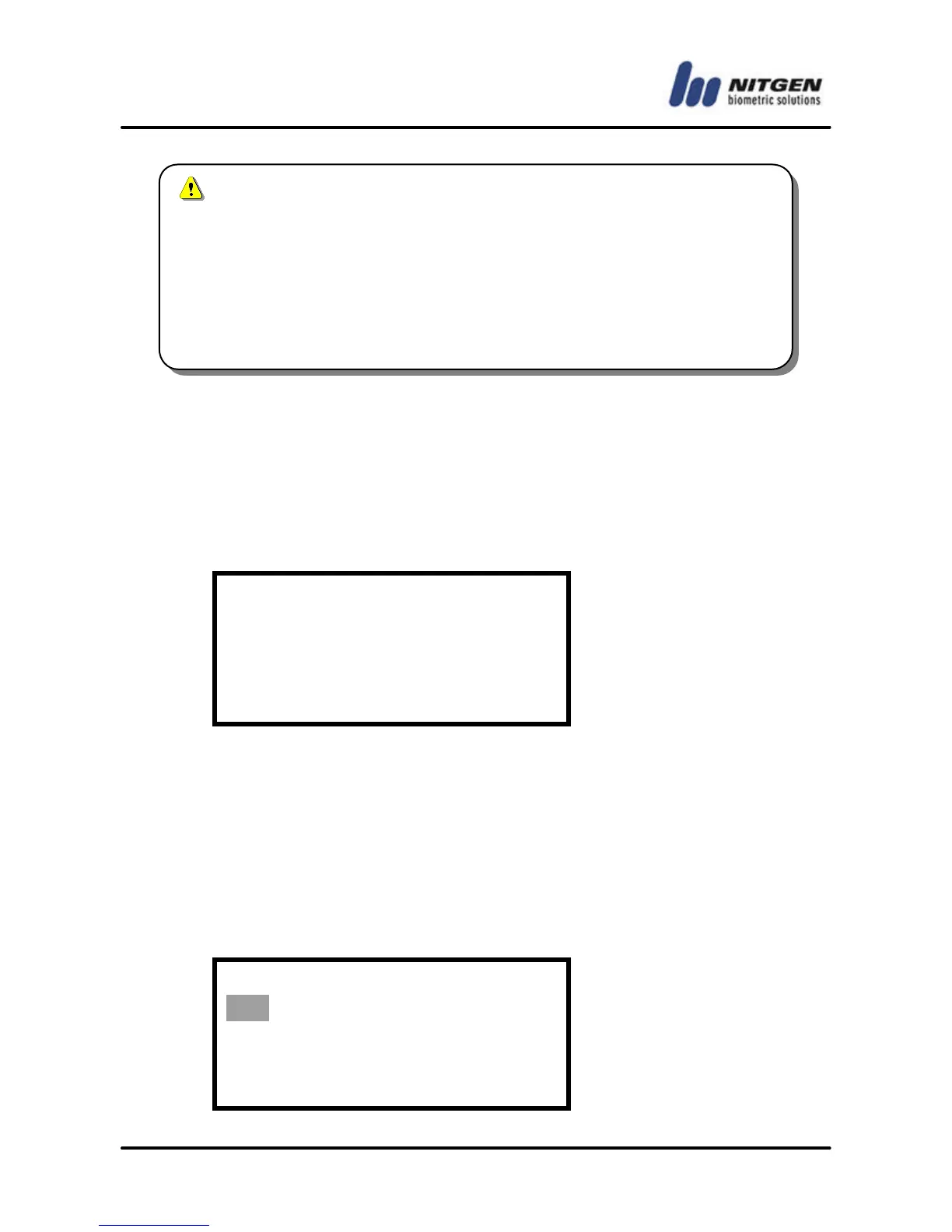
n Sensor Timeout (1 ~ 30 seconds)
Set the timeout of fingerprint input. The LED blinks and the
terminal waits for fingerprint input during the specified seconds.
After that time, the LED will be turned off. The default is 『5 』. Use
the number keys to enter the value and press the Enter key.
Sensor Timeout
(1 - 30): 5
n Auto-On Check
Auto-On check is an automatic finger detection function. If
someone place finger on the sensor, it detects finger and simuates
pressing Enter Key.
The initial setting is 『ON』. Move to the value you want to choose
with the direction keys and press the Enter key.
Auto-On Check
ON / OFF



 To Next Page