- 14 -
1.4 LCD screen
n Initial screen
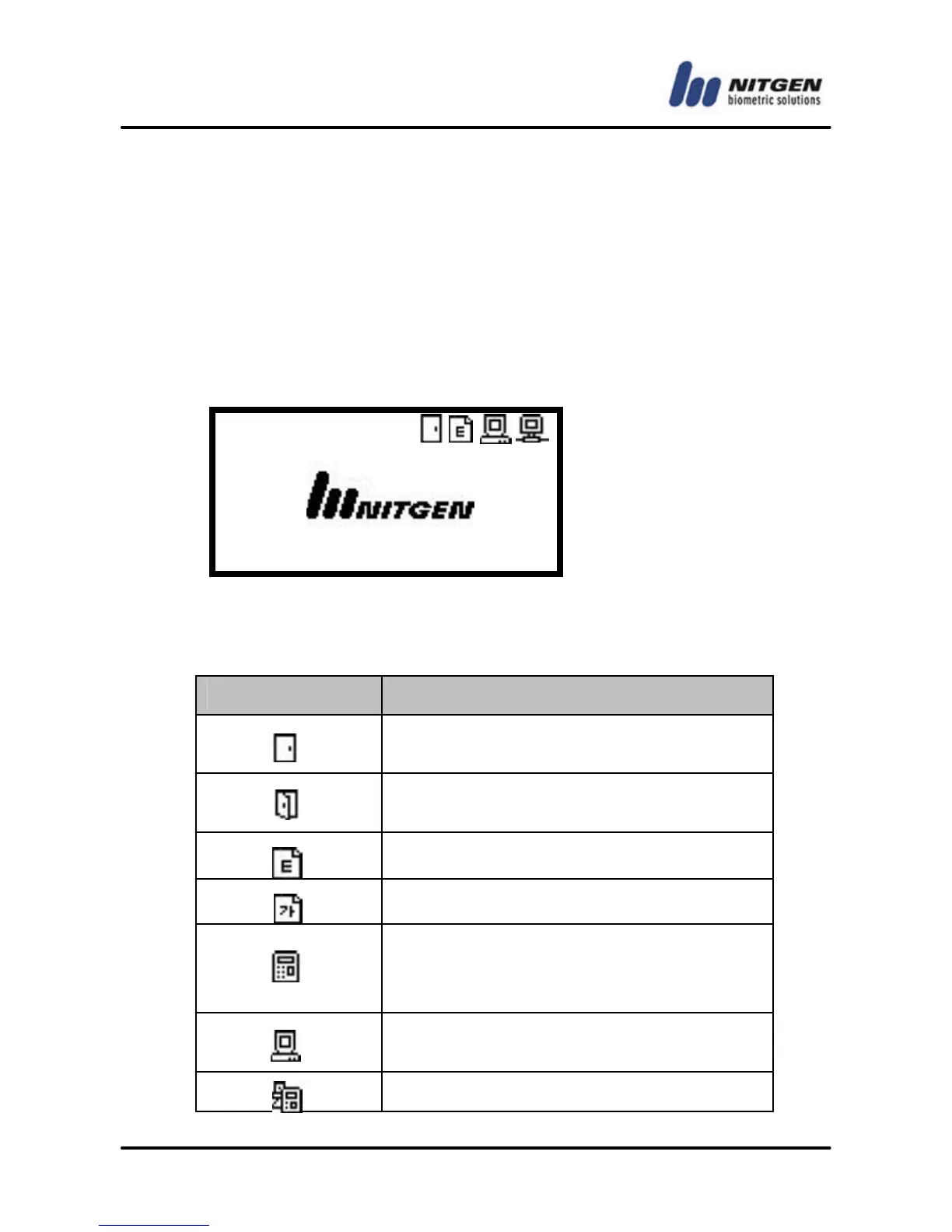
The initial screen of the terminal is as below. The icons in the
upper part of the LCD screen indicate the status of the terminal.
The logo in the middle of the screen can be defined by the
manager, and current date and time are displayed at bottom.
n Initial screen
The below table describes the icons in the LCD screen.
Icon Description
The door is connected to the door lock
device.
The door is open after the user
authentication is validated.
The display language is English.
The display language is Korean.
Terminal mode
SO (Stand Alone): All operations take place
in the terminal alone.
NS (Network Server): Authentication is done
in the server.
NL (Network Local): Authentication is done



 To Next Page