- 27 -
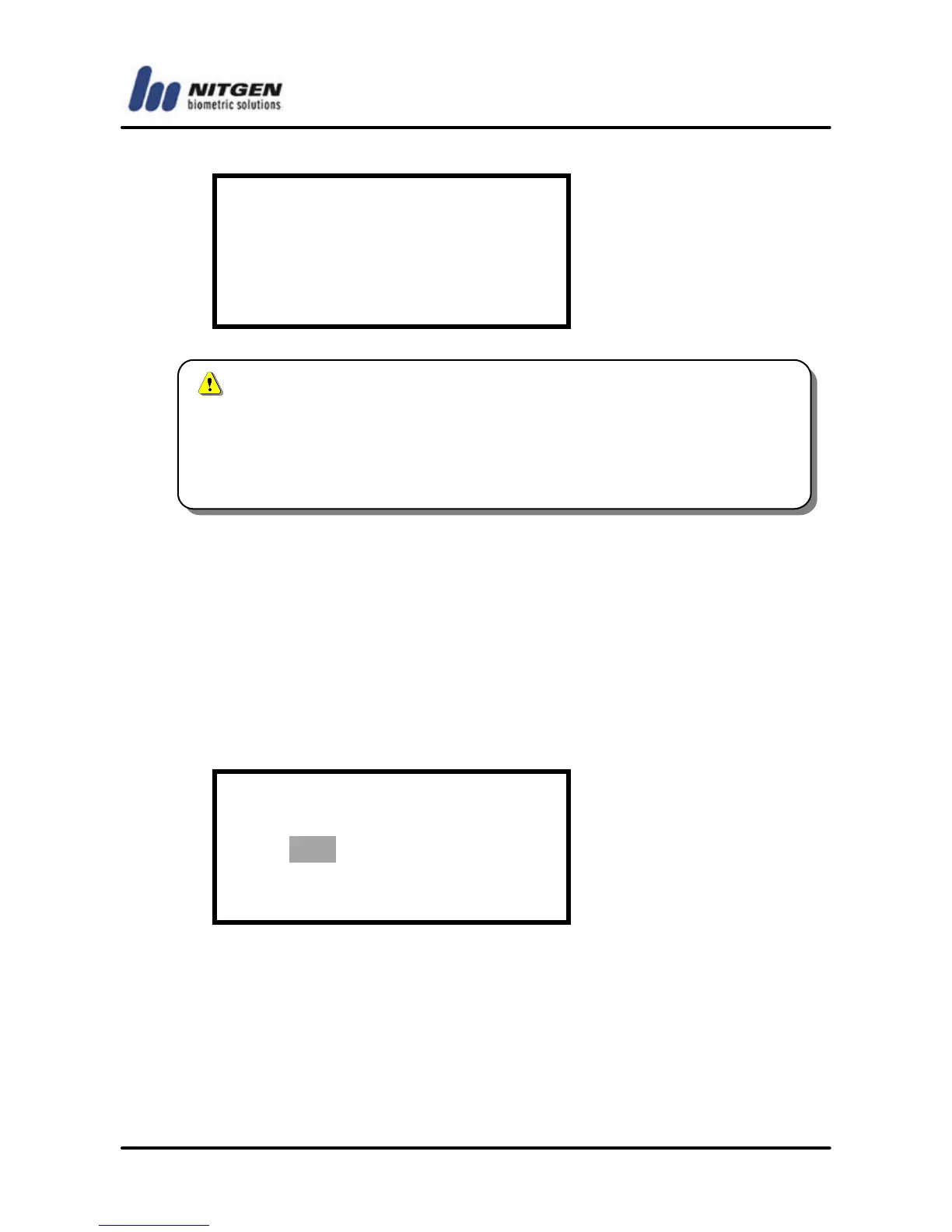
Secu. Level
2.1:N Mode
(1 - 9): 8
n Capture Mode
『Latent』 prevents recognition error possibly caused by latent
fingerprint image in the fingerprint input window because of sweat
or sebum. 『Intelli』increases recognition performance against dry
finger or wet finger. The initial setting is 『Latent』. Move to the
value you want to choose with the direction keys and press the
Enter key.
C a p t u r e M o d e
Normal / Latent
/ Intelli
In the 1:N mode, if you set the security level too low, the
false acceptance rate may increase, resulted in degrading
curity. On the other hand, if you set it too high, the false
rejection rate may increase, resulted in inconvenience.


 To Next Page