- 52 -
Enter key to move to the next step. Input a group ID in 4 or less
digits, and press the Enter key.
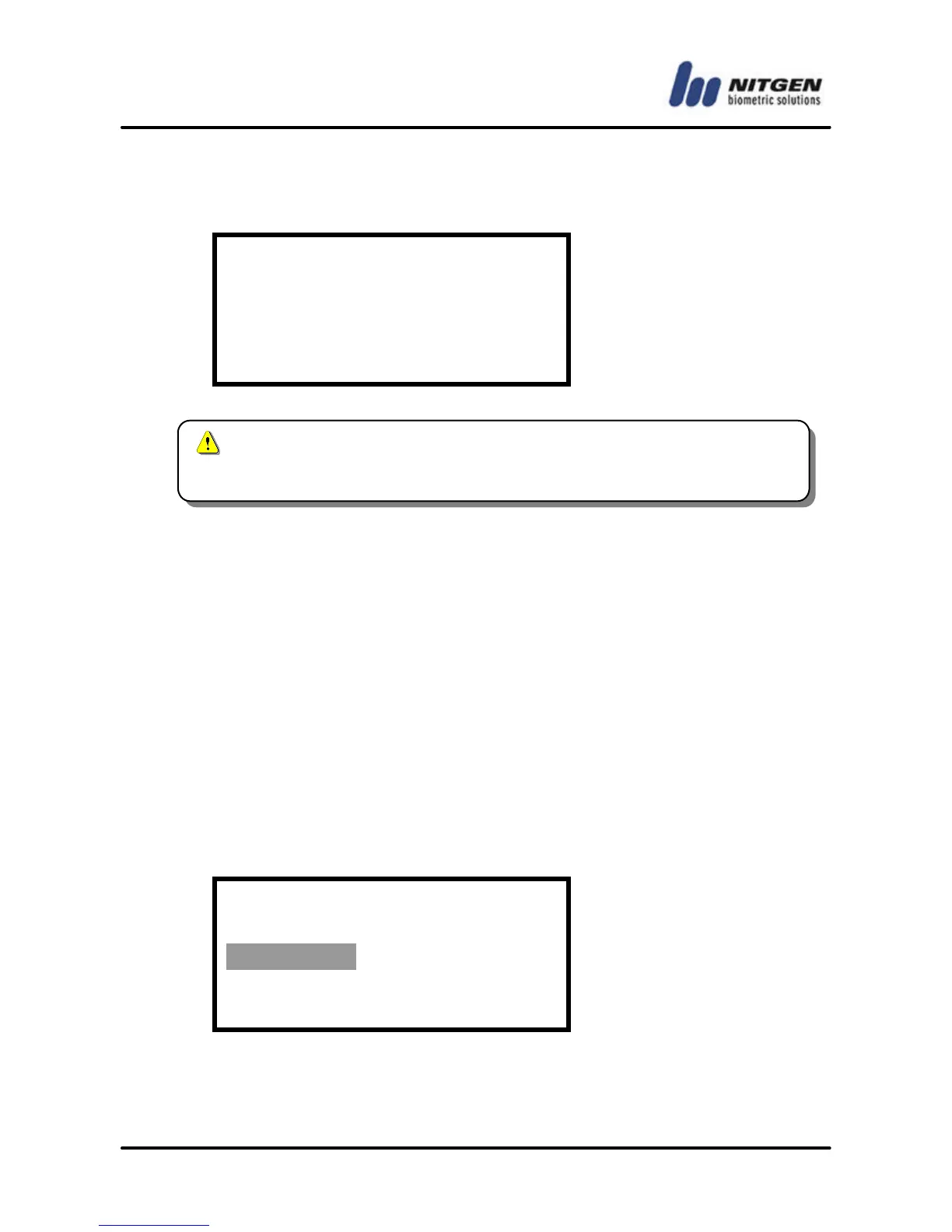
Inpur Group ID
: 0
③ User Type
Choose Normal or Master user type. Use the direction keys to
make a choice, and press the Enter key to finalize the setting.
• Normal: Normal users do not have the privilege to manage the
terminal. They will have the access privilege only after they pass
authentication.
• Master: As terminal managers, master users have door access
privilege and can manage the user database and set the
environment with corresponding menu items.
User Type
Normal / Master
④ Authentication Mode
Choose one of user authentication modes - fingerprint,



 To Next Page