2.2 Install/Remove Guard
The guard protects the sensors and limits the extension of biofouling. It is strongly advised to install it
before any in-situ deployment. The guard is covered with antifouling paint. It is important to handle
it carefully to avoid damaging the coating.
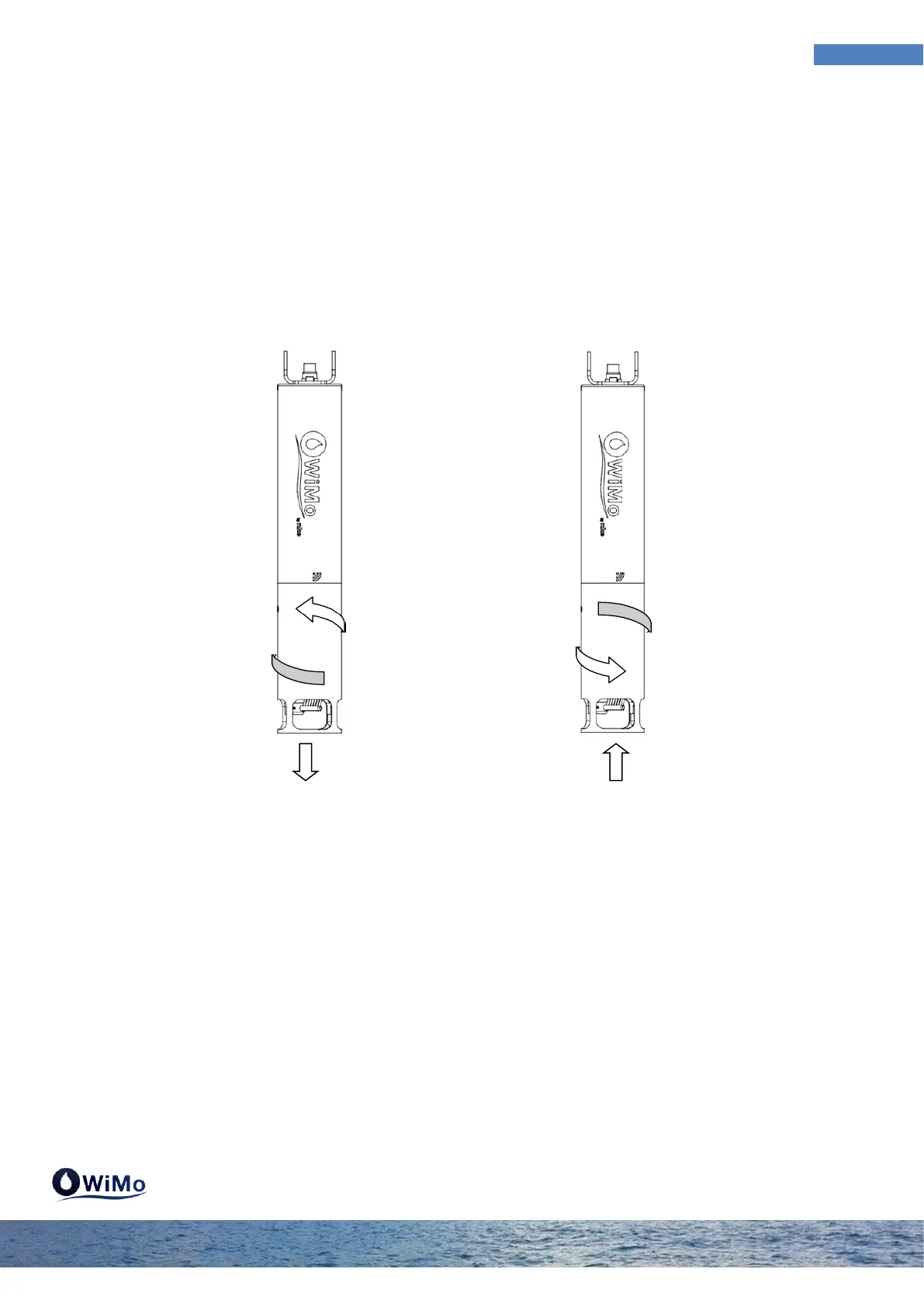
To install the guard screws in clockwise direction. To remove it you must unscrewed by turning in the
anti-clockwise direction.
If optical sensors are mounted on the sonde, it is important to properly set the guard to avoid bias
on the measurements. The figure below shows how to set the guard on the sonde (WiMo or WiMo
Plus). Screw the guard to the maximum and unscrew slightly to fit the sensors centered on the
windows as below:



 To Next Page