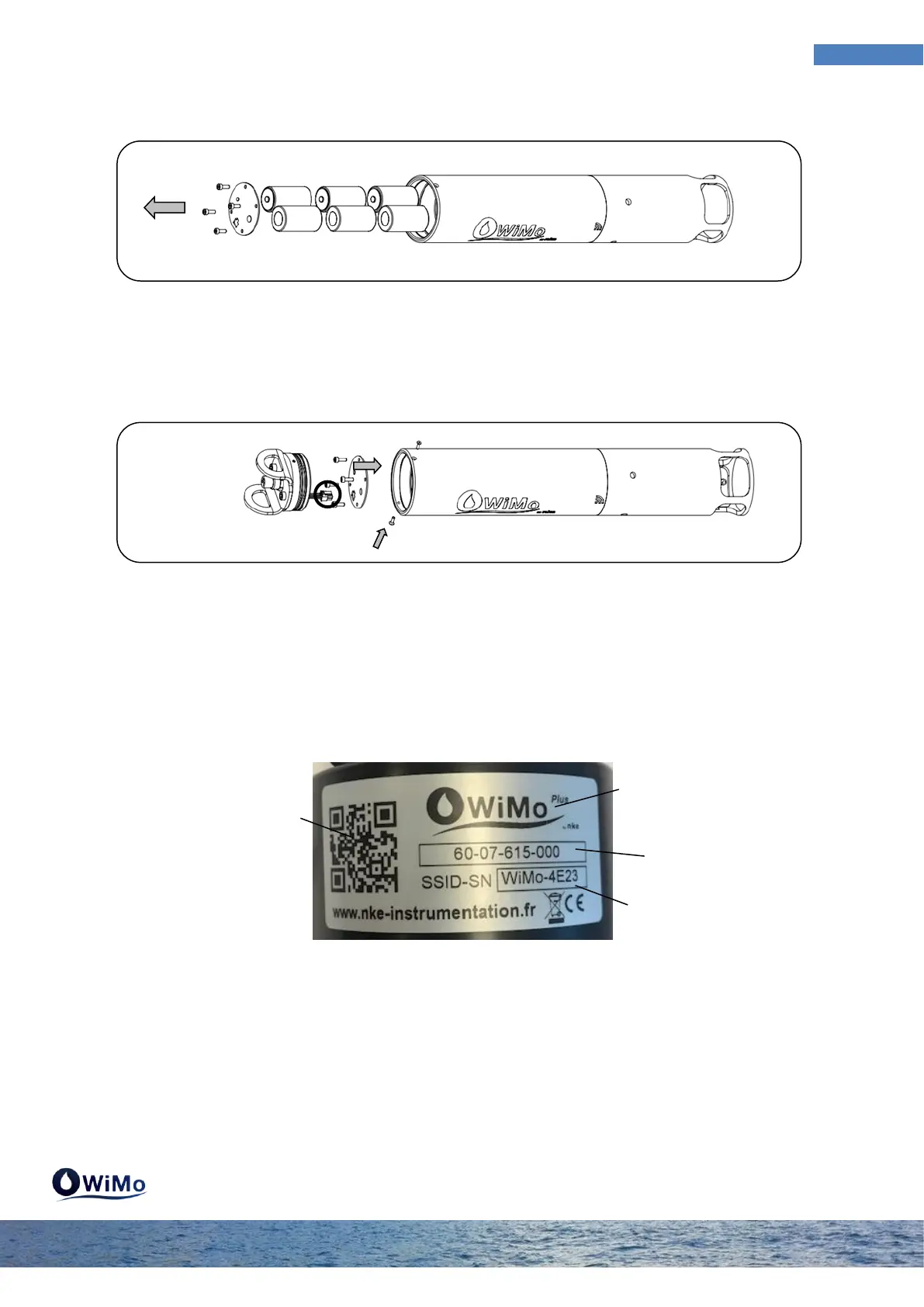
Step 5 : Remove the dismount cap toolkit attached to the cap and fix the handle . Insert the stack
plate (small spring on the + polarity and large spring on the - polarity) and use the Allen key to insert
the 4 screws . Clips the connector and push the cap into the body. Take care to check the state of
o-rings . Use the Allen key to insert the two screws to lock the cap .
5 Product Identification
The WiMo is identified with a label summarizing its identifiers and the information needed to log in.
The SSID number identifies the product in the list of available WIFI networks using discover mode on
the platform (PC, tablet or Smartphone).



 To Next Page