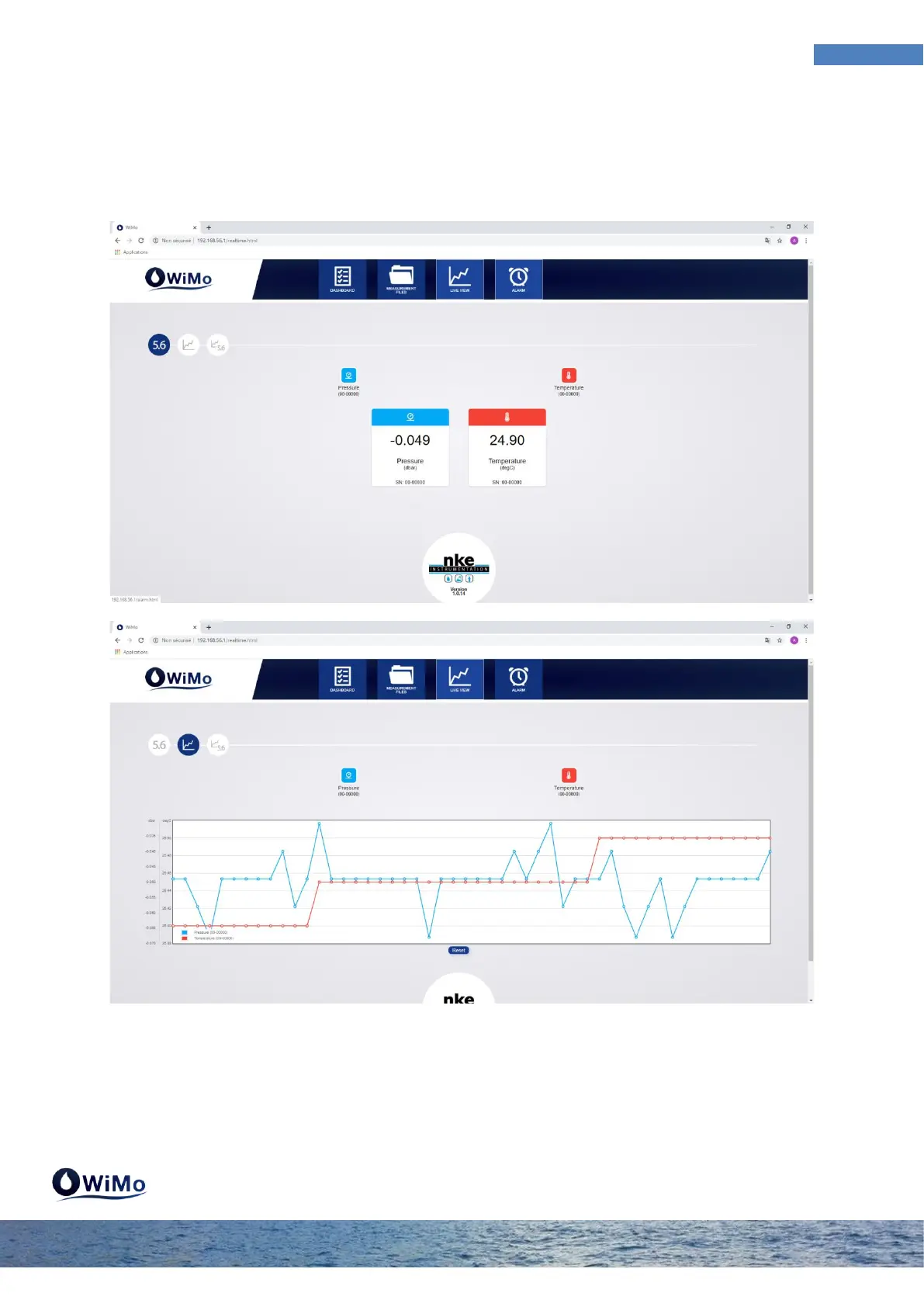
3.3 Live View Menu
The "live view" menu allows you to display in real time the measurements. Only enabled sensors on
the DASHBOARD page appears in live view. Measurements can be viewed analytically, graphically or
both. The parameter is displayed or not simply by clicking once on the associated parameter icon.
You change the display arrangement by clicking on the lozenges at the top left. The active
arrangement is dark blue.



 To Next Page