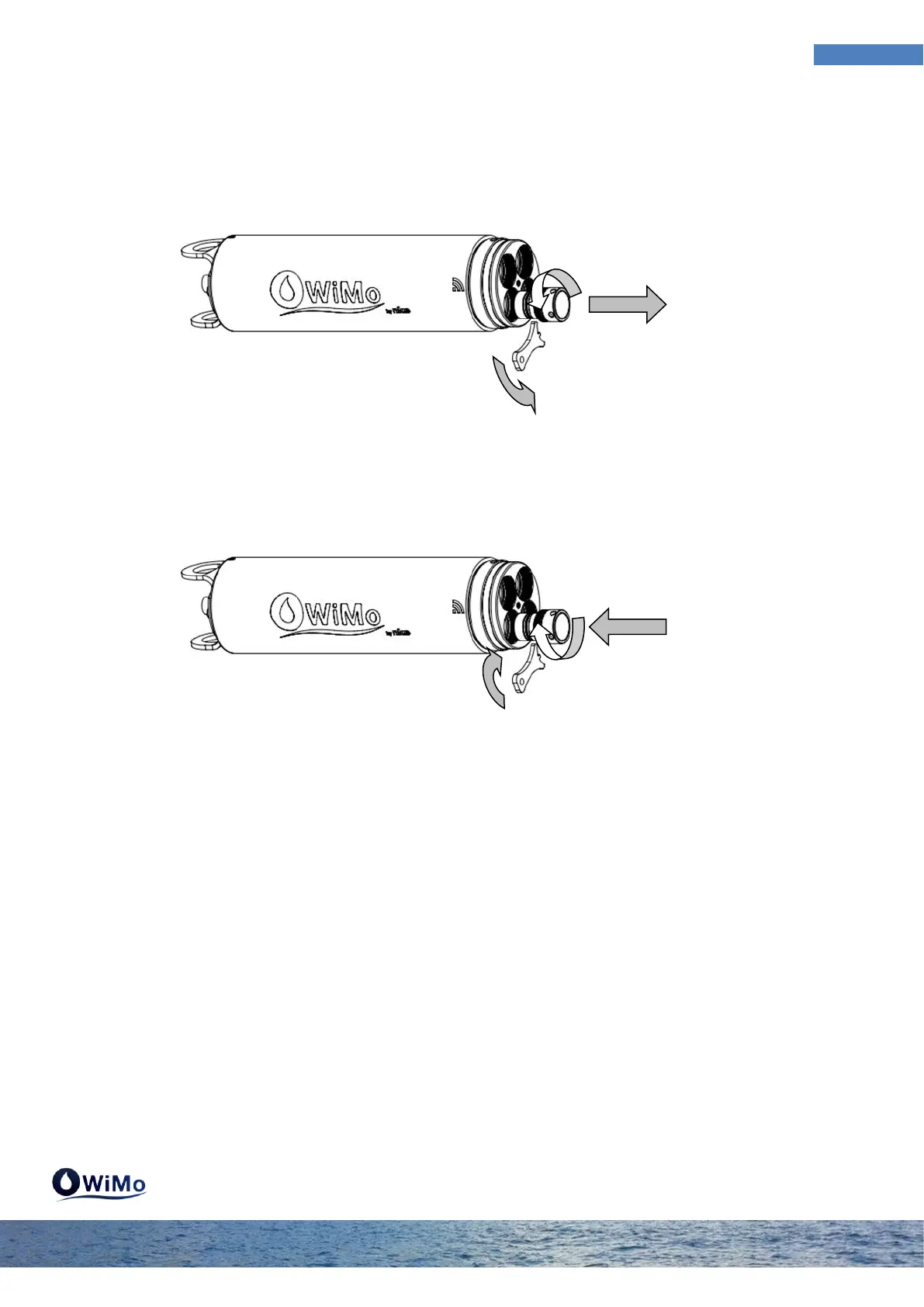
2.1.1 Install/Remove caps
Unscrew the locking sleeve in the anti-clockwise direction by hand or with the key tool provided. Pull
the cap to extract it. Place it on a clean surface and store it taking care not to damage the O-rings.
Before repositioning the cap check that the location in the sonde has no damage and no scratches.
Grease both O-rings of the cap with the grease provided and engage the cap in the location. Screw
the cap clockwise until the locking sleeve is in contact with the sonde head. Help with the key tool
provided if necessary.



 To Next Page