To go back to the previous view, press
Back.
4
To go back to the home screen, press
.
5
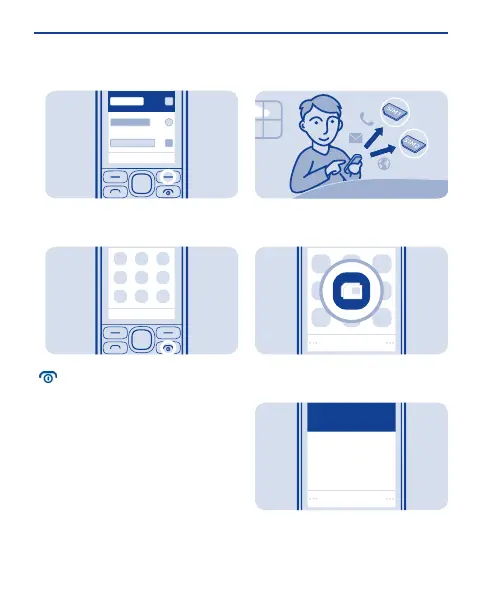
Set which SIM card to use
Set the SIM for outgoing calls,
messages, and connections.
Select Menu > SIM manager.
1
SIM2
Ask every time
SIM1
(no selections)
(no selections)
Always used
Select
To decide every time which SIM to
use, select Ask every time.
2
11

 To Next Page
 Loading...