Send
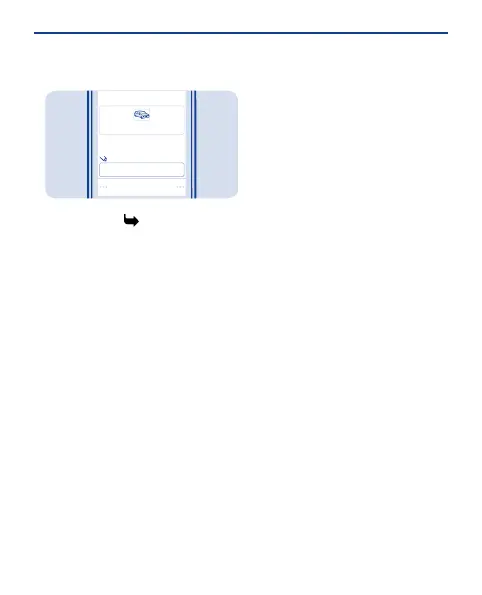
Photo0001.jpg
Image:
To:
Anna [123456789]
Select Send. If asked, select which
SIM to use. See 12, 11.
5
Write text
Press a key repeatedly until the letter
is shown.
To type in a special character or a
punctuation mark, press and hold *,
and select the character.
To switch between character cases,
press #.
To use number mode, press and hold
#, and select Number mode. To go
back to letter mode, press and hold #.
If you want to quickly type in a single
number, just press and hold the
number key.
To switch predictive text on or off,
select Options > Prediction, and
select
On or Off. Not all languages are
supported.
To change the writing language, select
Options > Writing language.
21


 To Next Page
 Loading...