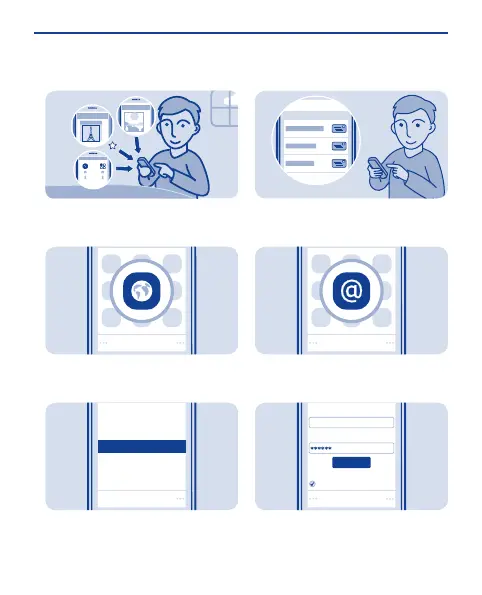
Add a bookmark
If you visit the same websites often,
add them as bookmarks.
Select Menu > Internet.
1
Select
Start page
Share
Reload
Downloads
Settings
Feedback
Add to favourites
While browsing, select Options >
Add to favourites.
2
Set up your mail account
Want to use mail, but don't have a
computer? You can use your phone.
Select Menu > Mail or Menu >
Messaging > Mail.
1
E-mail address:
Password:
Sign in
Save password:
On
user@mymailbox.com
Sign in
Select a mail service, and sign in.
2
33





 To Next Page