18 1998 Nokia Mobile Phones. All Rights Reserved.
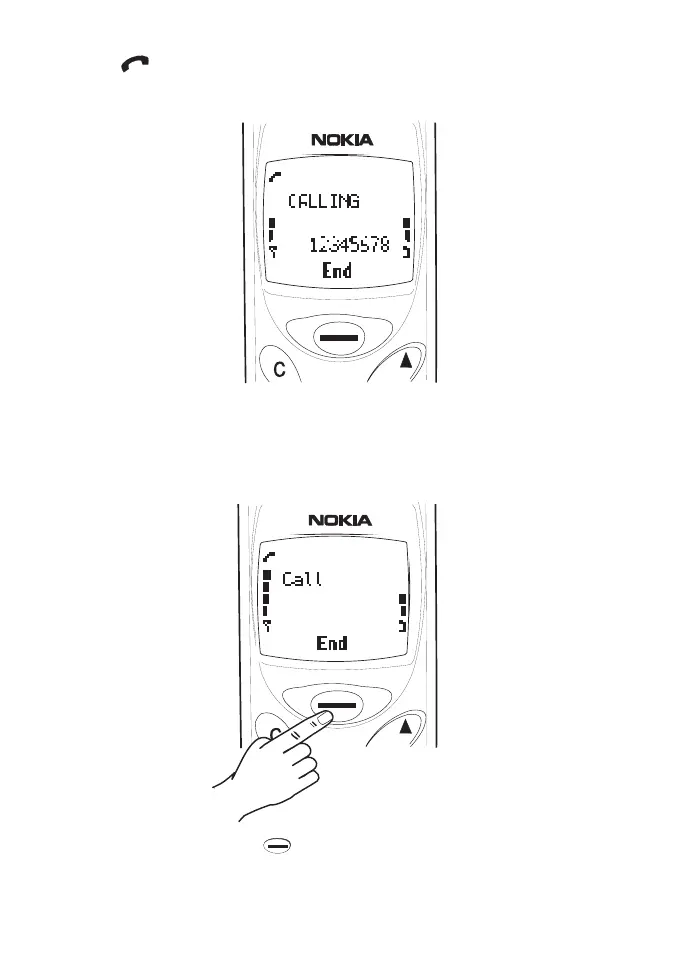
The indicator appears in the upper left corner of the display, and
the text CALLING and the dialled number are displayed.
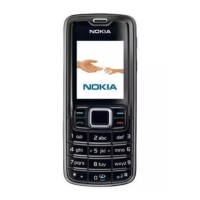
4 When the phone number disappears and the text CALL or the caller’s
name (if stored in Phone Book) is shown, the phone at the other end
is being alerted to an incoming call. Wait for an answer, then speak.
5 End the call by pressing (End).








 To Next Page