ACCESS GATEWAY
System Administration 219
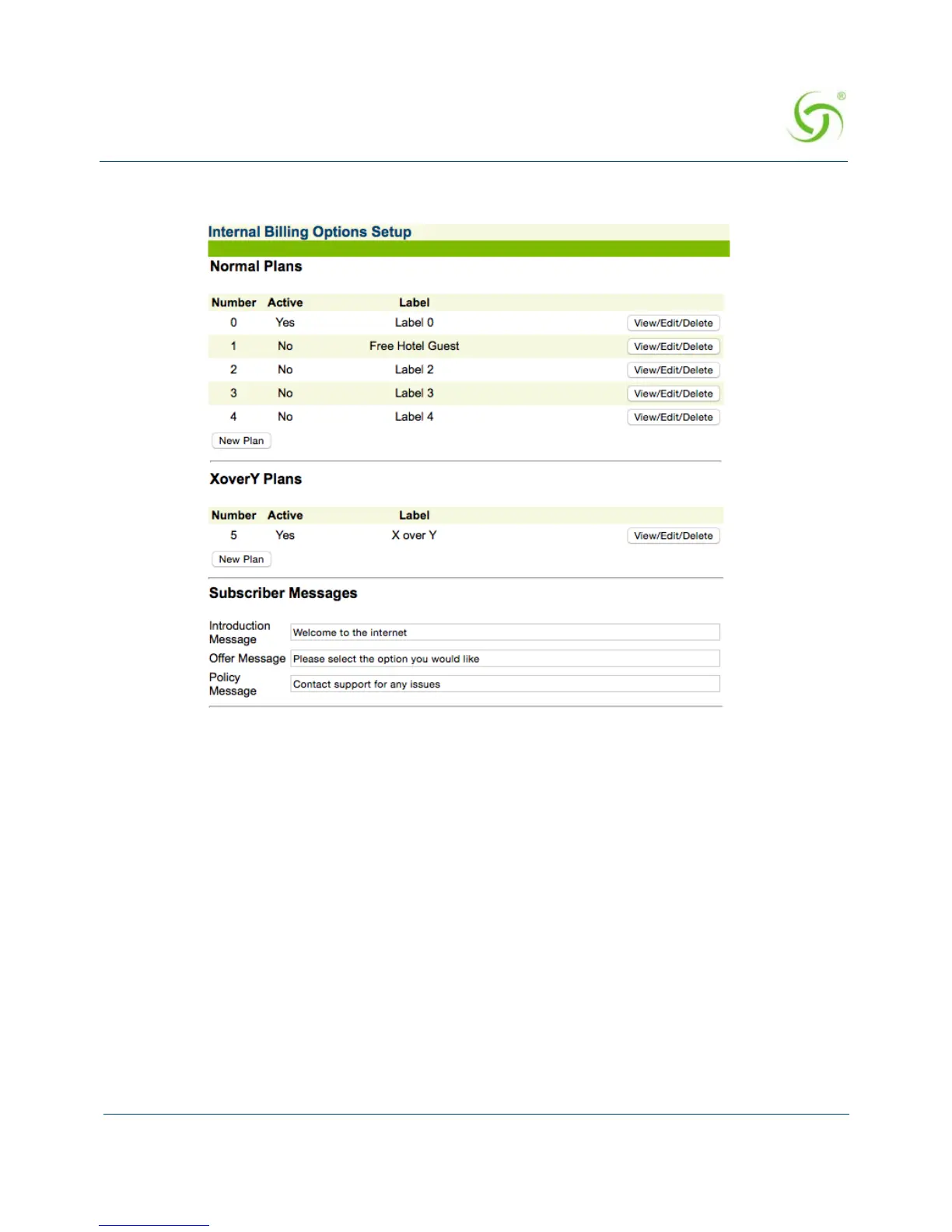
1. From the Web Management Interface, click on Subscriber Interface, then Billing
Options. The Internal Billing Options Setup screen appears:
2. Review the billing plans (normal plans and X over Y plans) that are currently active. To
view or edit a billing plan, click the
View/Edit/Delete button opposite the corresponding
plan.



 To Next Page