ACCESS GATEWAY
54 Installing the Access Gateway
Before you can log into the AG and use the graphical Web Management Interface (WMI),
you must disable subscriber-side HTTP:
1. Log in to the AG
2. Navigate to Configuration -> Access Control -> Interface
3. Press Enter until you reach Subscriber-side HTTP
4. Enter disabled
You can now use the graphical Web Management Interface (WMI) to configure the
product’s features.
Step 5: Configuring AG DHCP Server Settings
DHCP Server is enabled by default. To configure the DHCP Server, go to DHCP under the
Configuration menu. You can either modify the default DHCP pool or delete/add another
DHCP pool. The total lease pool size recommendation is 5 times more than the number of
licensed subscribers.
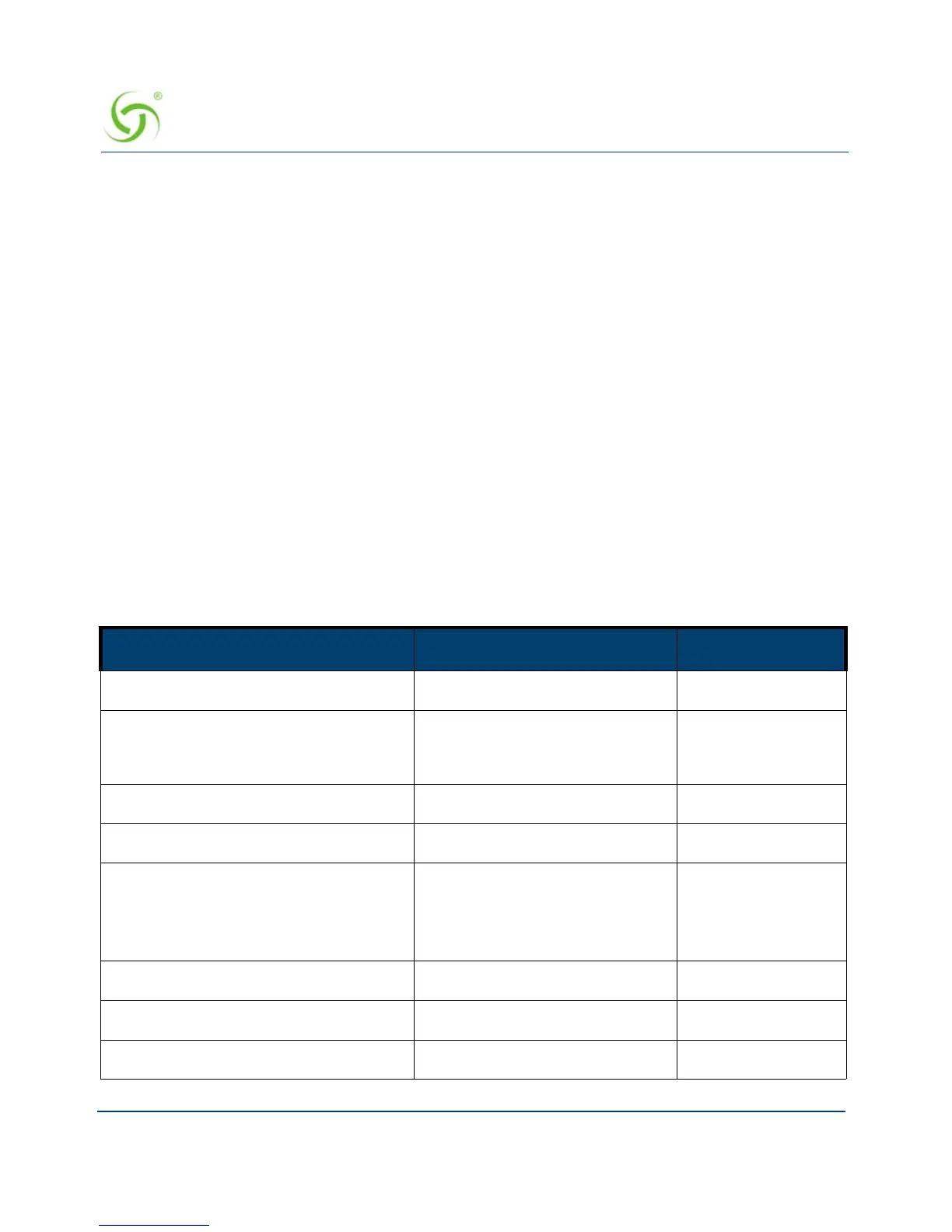
DHCP Parameter Your Settings Default Values
DHCP Services (Disable) no
DHCP Relay (Yes / No)
If No, skip to DHCP Server
no
DHCP Relay Server IP Address blank
DHCP Relay Agent IP Address blank
DHCP Server (Yes / No)
Only if the DHCP Relay is
disabled
yes
DHCP Server IP Address 10. 0. 0.4
DHCP Server Subnet Mask 255.255.255.0
DHCP Pool Start IP Address 10.0.0.12



 To Next Page