ACCESS GATEWAY
System Administration 85
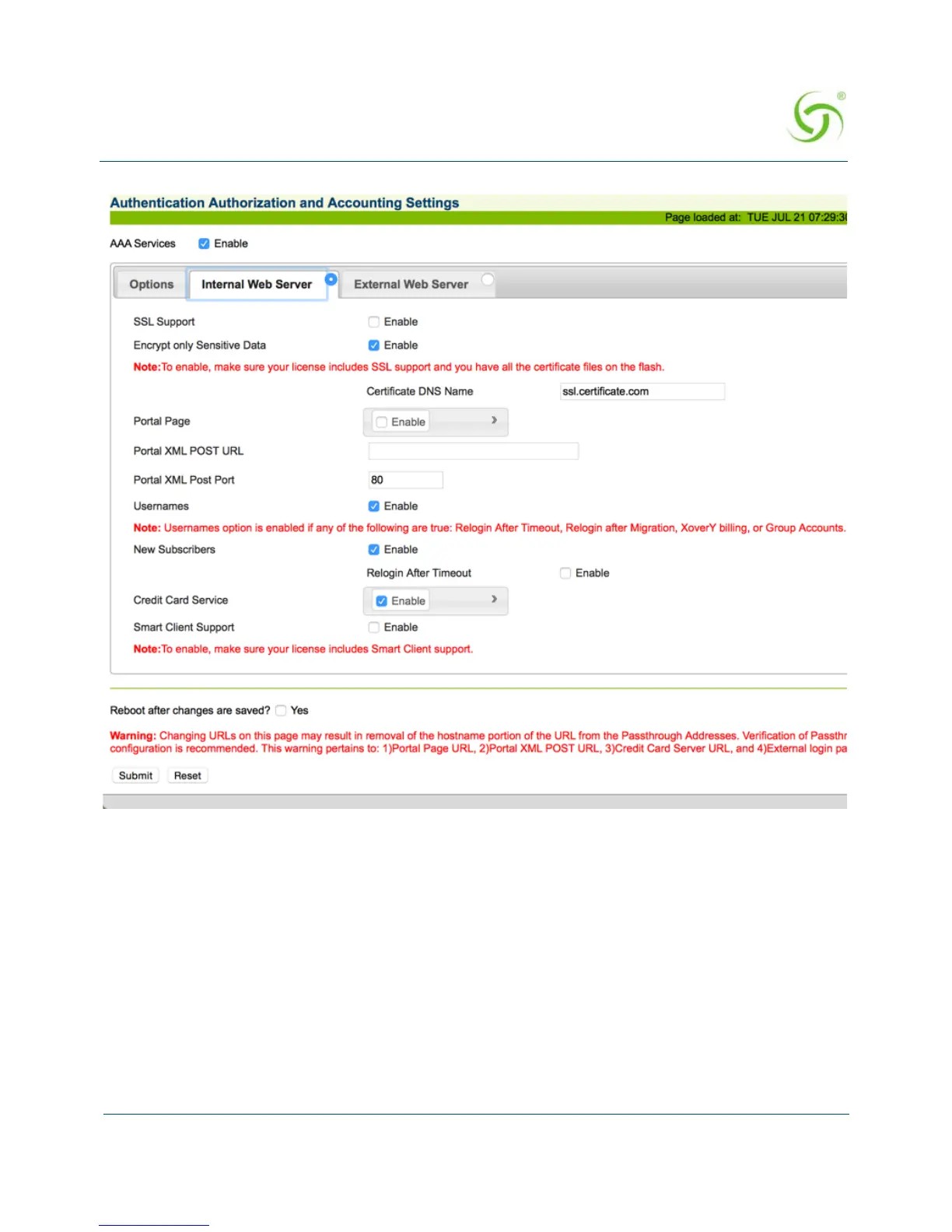
2. Enable or disable the SSL Support feature, as required. If you enable SSL Support, you
must provide a valid
Certificate DNS Name.
For more information about setting up SSL, go to “Setting Up the SSL Feature” on
page 325.
SSL support allows for the creation of an end-to-end encrypted link between the Access
Gateway and its clients by enabling the Internal Web Server (IWS) to display pages under
a secure link—important when transmitting AAA information in a network.



 To Next Page