ACCESS GATEWAY
142 System Administration
Because some Property Management Systems do not allow you to enter characters, you
must enter these service descriptions as a numeric value only (no characters or delimiters).
The numbers must be entered in the form of a “telephone number” which the selected
PMS will interpret.
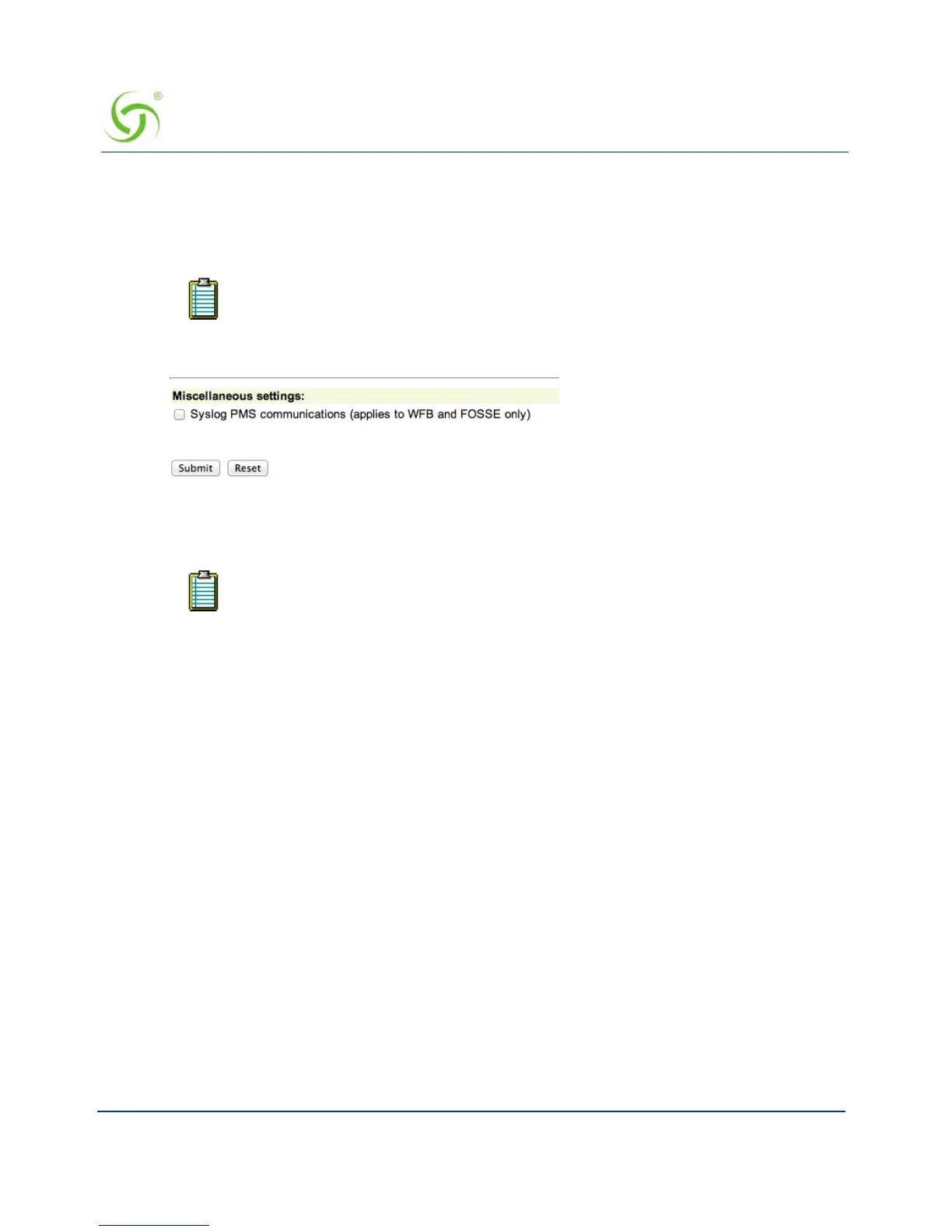
11. If desired, enable Syslog PMS communications.
12. Click on the Submit button to save your changes and restart the serial interface, or click on
the
Reset button if you want to reset all the values to their previous state.
Setting Up Port Locations {Port-Location}
Port-Location allows you to establish the mode of operation for devices.
If the “phone number” field required by the PMS is shorter than 15 characters,
only the first required number of characters will be supplied.
Based on the HOBIC interface standards, Nomadix, Inc. has also certified
interoperability with a number of other PMS and call accounting solutions such
as Ramesys’ ImagInn, Xeta Virtual XL, and Hilton’s proprietary standard OnQ.
This development effort is on-going. For an up-to-date list of supported PMS
systems, please contact our Technical Support team. Refer to “Technical Support”
on page 349.



 To Next Page