ACCESS GATEWAY
System Administration 187
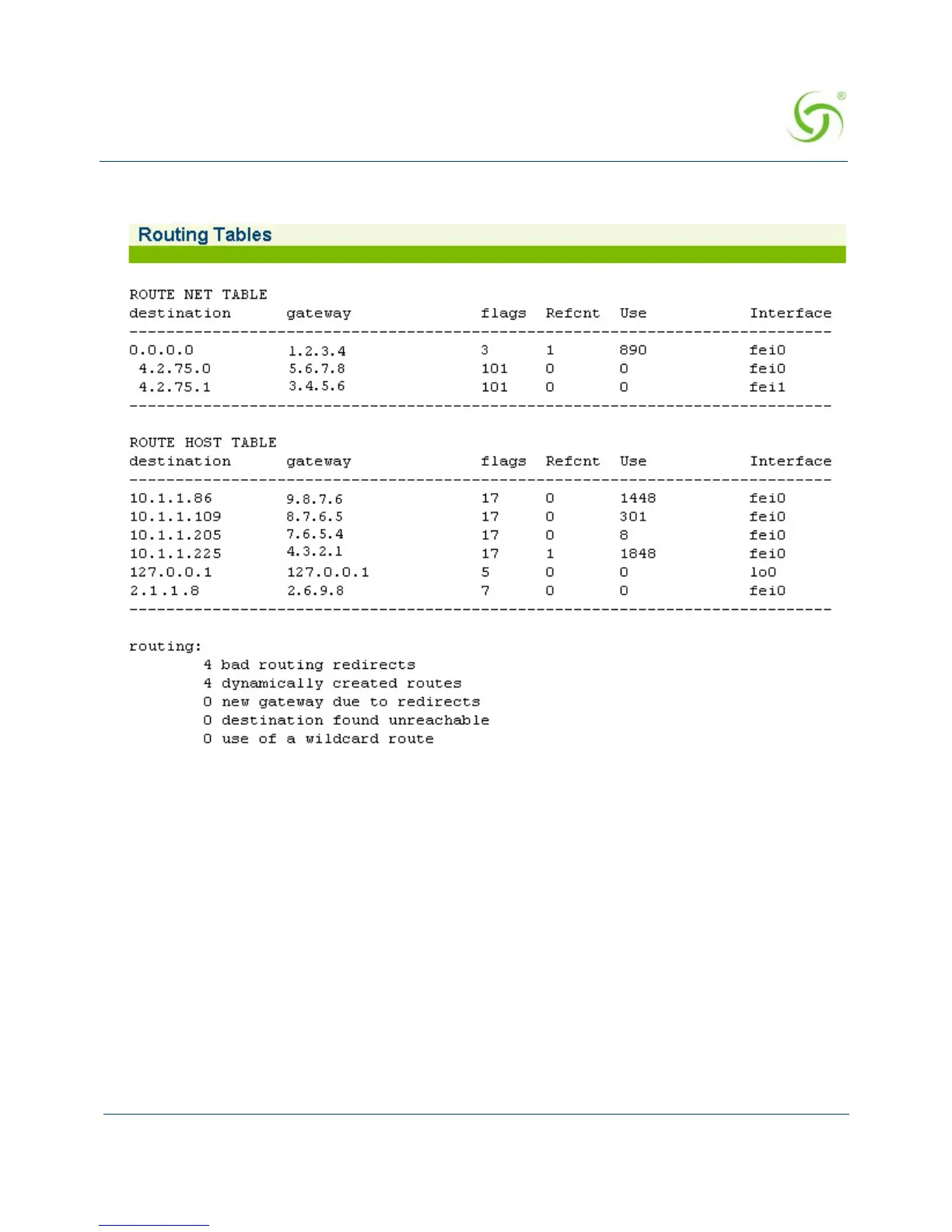
The Routing Tables screen appears:
Modifying the Routing Tables {Routing}
An active routing tables view is available at System>Routing. The Routing Tables screen
appears. You can make routing configuration additions and deletions from this screen. This
screen includes;
Active Routing Table, which provides routing configuration details and the ability to
delete routes.



 To Next Page