ACCESS GATEWAY
18 Introduction
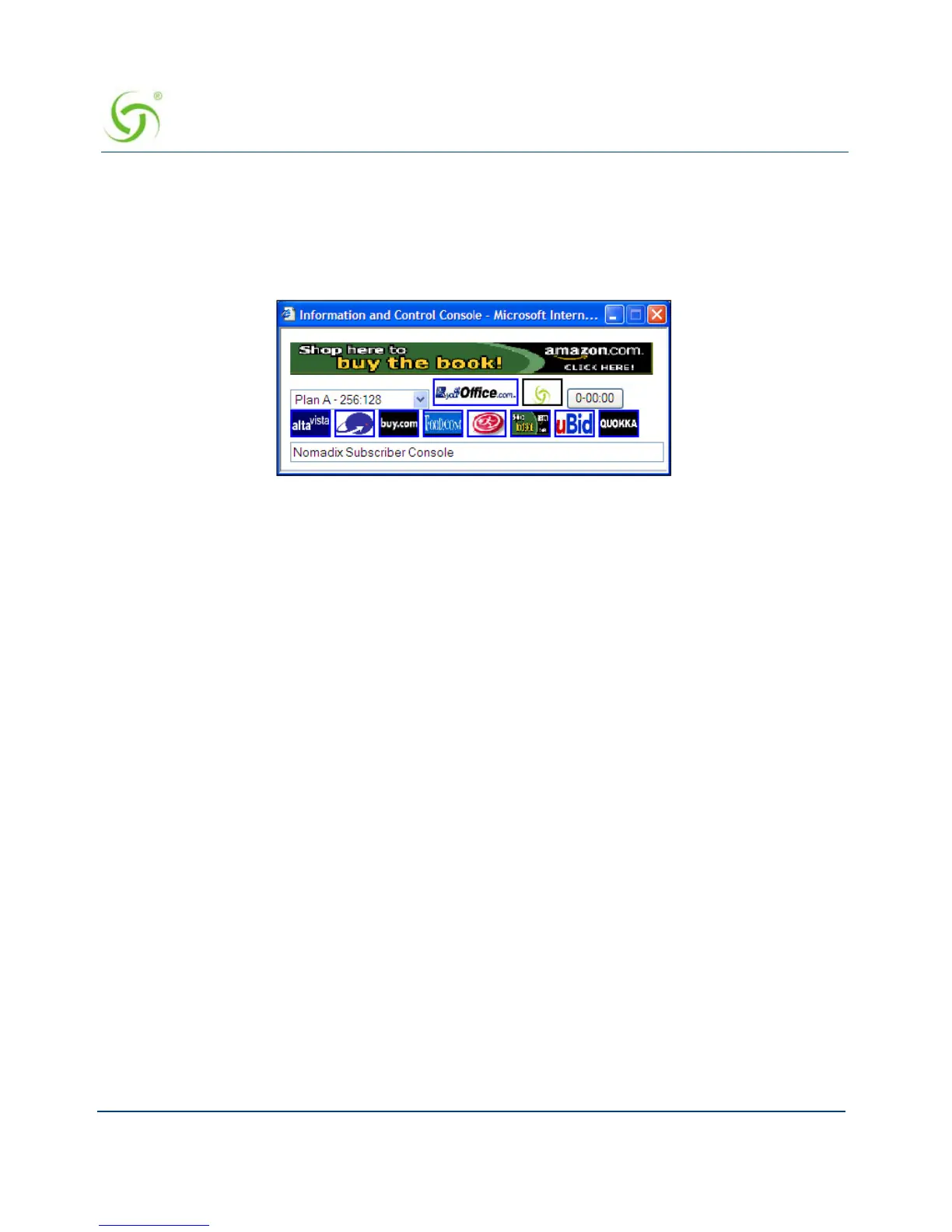
Information and Control Console
The Nomadix ICC is a HTML-based pop-up window that is presented to subscribers with their
Web browser. The ICC allows subscribers to select their bandwidth and billing options quickly
and efficiently from a simple pull-down menu. For credit card accounts, the ICC displays a
dynamic “time” field to inform subscribers of the time remaining on their account.
Additionally, the ICC contains multiple opportunities for an operator to display its branding or
the branding of partners during the user’s session, as well as display advertising banners and
present a choice of redirection options to their subscribers.
See also:
5-Step Service Branding
Logout Pop-Up Window
Information and Control Console
Initial NSE Configuration
See “Installing the Access Gateway” on page 43 for initial installation and configuration
instructions.
Internal Web Server
The NSE offers an embedded Internal Web Server (IWS) to deliver Web pages stored in flash
memory. These Web pages are configurable by the system administrator by selecting various
parameters to be displayed on the internal pages. When providers or HotSpot owners do not
want to develop their own content, the IWS is the answer. A banner at the top of each IWS
page is configurable and contains the customer's company logo or any other image file they
desire.
To support PDAs and other hand-held devices, the NSE automatically formats the IWS pages
to a screen size that is optimal for the particular device being used.



 To Next Page